



Ace the Semester: The Ultimate Desk Setup for Studying
As the semester ramps up, study sessions grow longer and complex projects stack up. A well-planned desk setup does more than hold your laptop; it shapes how you learn. A thoughtful combination of height adjustment, smart storage, and ergonomic seating can help you stay focused, reduce fatigue, and keep you productive from the first exam to final paper.
If you’ve ever wondered about the best options for a standing desk at a reasonable price, you’re not alone. People search for "standing desk ikea" when they’re shopping for a flexible workspace, but the ideal solution often goes beyond a single desk. A full-height adjustable station—like the one in this ultimate setup—lets you switch between sitting and standing, saving your joints and your energy for longer study blocks. And while you can find a variety of “standing desk amazon” listings, a purpose-built bundle that includes a sturdy monitor mount, an ergonomic chair, and a compact keyboard tray can save time and ensure everything fits together neatly.
Ergonomics that Support Better Study Habits
Good posture is more than comfort—it's a study habit. Elevate your monitors to eye level, align your keyboard with your elbow angle, and keep your wrists straight to reduce strain. An adjustable desk lets you dial in the perfect height for different tasks, whether you’re drafting notes, reading, or debugging code for a class project. The result? Longer concentration windows, fewer breaks, and a calmer mind during exams.
The Core Pieces to Build Your Desk Ecosystem
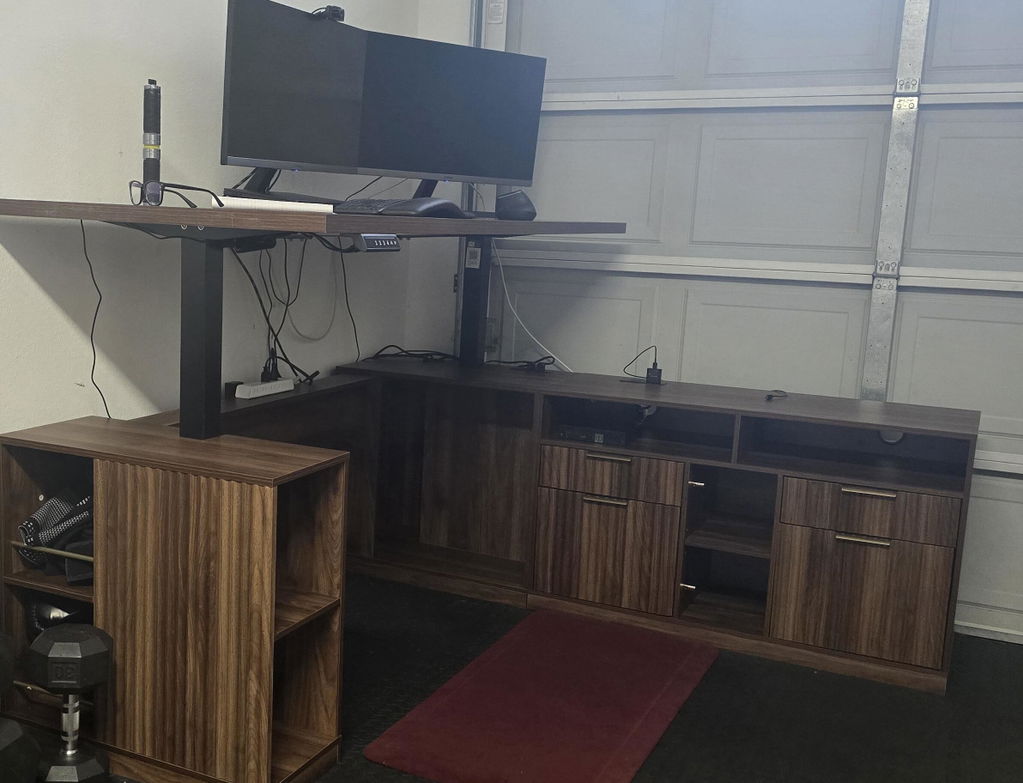
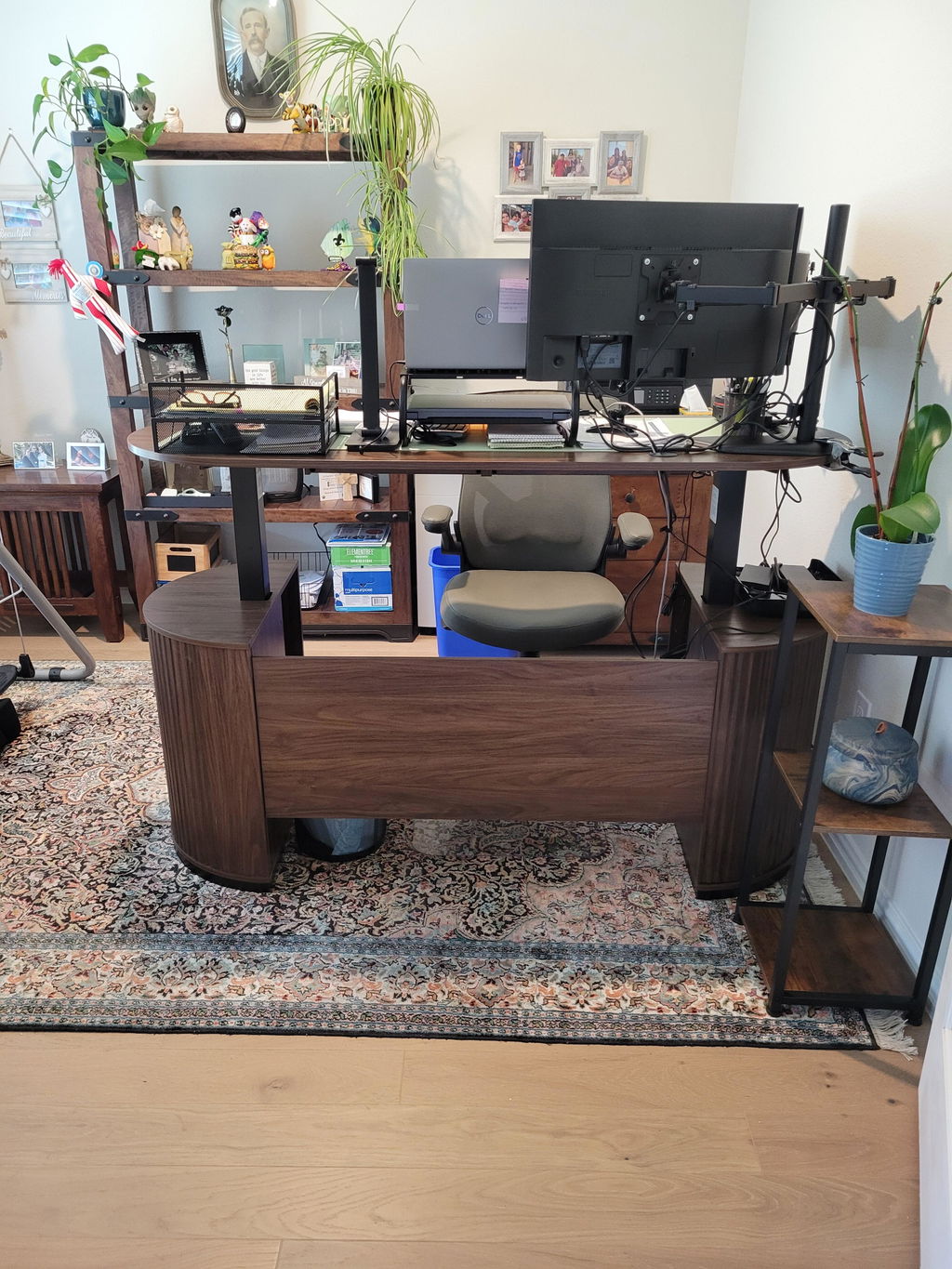
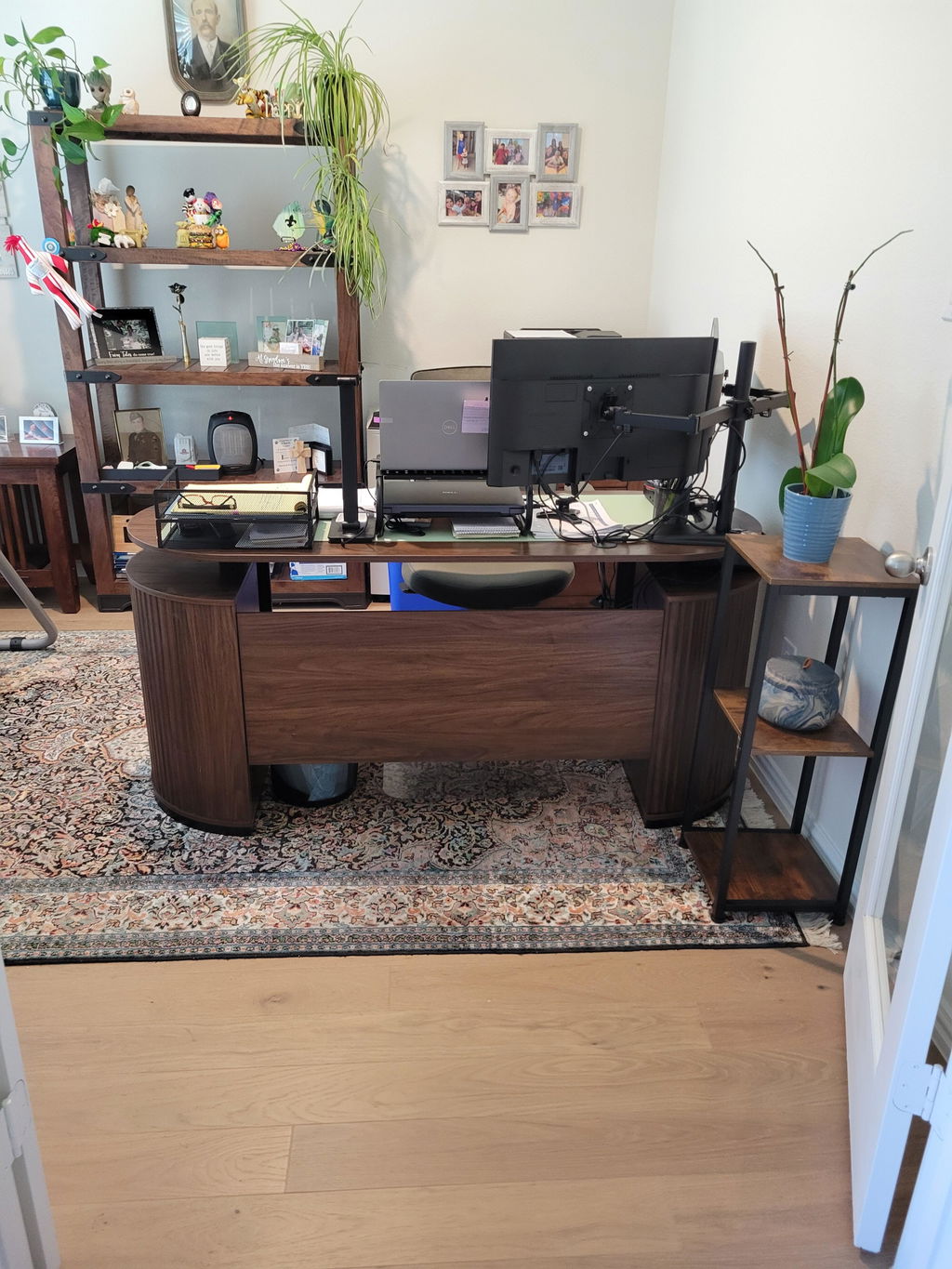
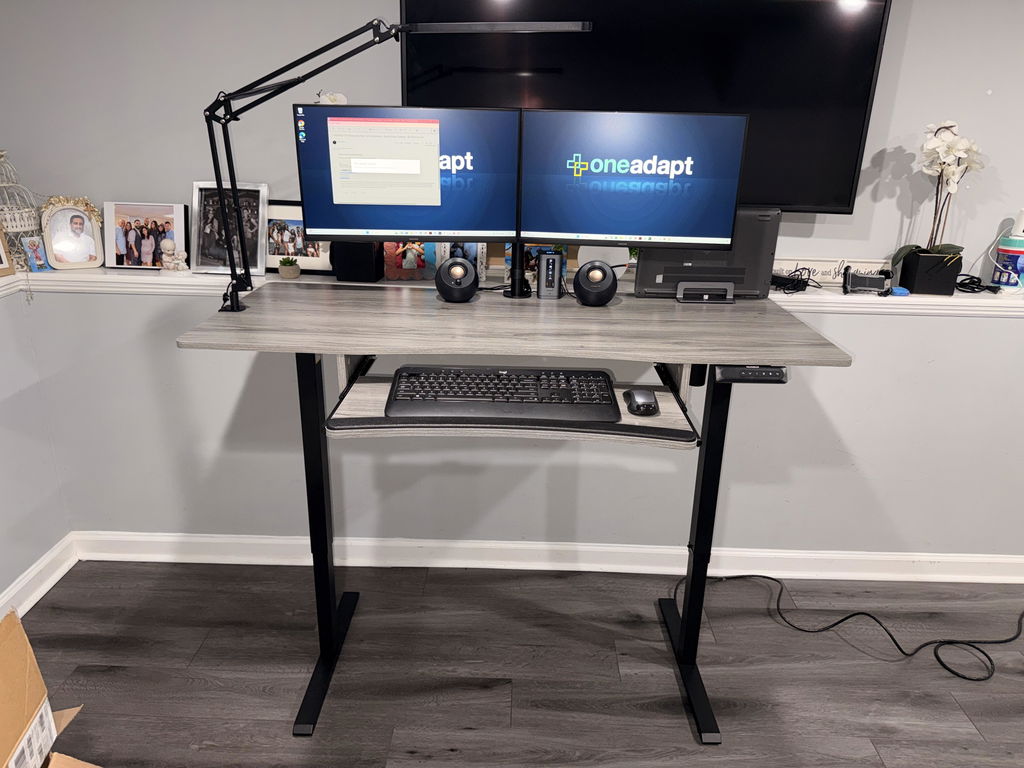
At the heart of this setup is a height-adjustable desk that moves smoothly from 28.35" to 46.46" tall, with four preset height buttons so you can save your favorite positions. It makes it easy to alternate between a posture-friendly chair position for the afternoon and a standing break during a long reading block. A dual monitor mount with a stable base is designed to hold two 13"-40" screens up to 26.4 lbs, and it’s compatible with VESA 75x75mm and 100x100mm. This keeps your displays aligned and reduces neck strain as you flip between references and notes.
Complementing the display setup, a high-back desk chair tailored for a wide range of heights (5'1" to 6'3") offers a 2D headrest, a reclining backrest from 90° to 135°, and adjustable armrest and seat height. Pair that with a tailbone-supportive chair cushion for an upright yet comfortable seating position that supports long study sessions without nagging soreness.
To keep your desk surface clear, an under-desk footrest with three height settings gives you comfortable leg support whether you’re seated or standing. A 26.5" W x 11.8" D keyboard tray fits snugly under the desk, holding your keyboard, mouse, and a few essentials while keeping the main surface tidy. For larger screens, a monitor stand riser (43.7" W x 10.23" L x 4.72" H) can accommodate two 32" monitors, supporting up to 132 lbs total weight for enduring stability.
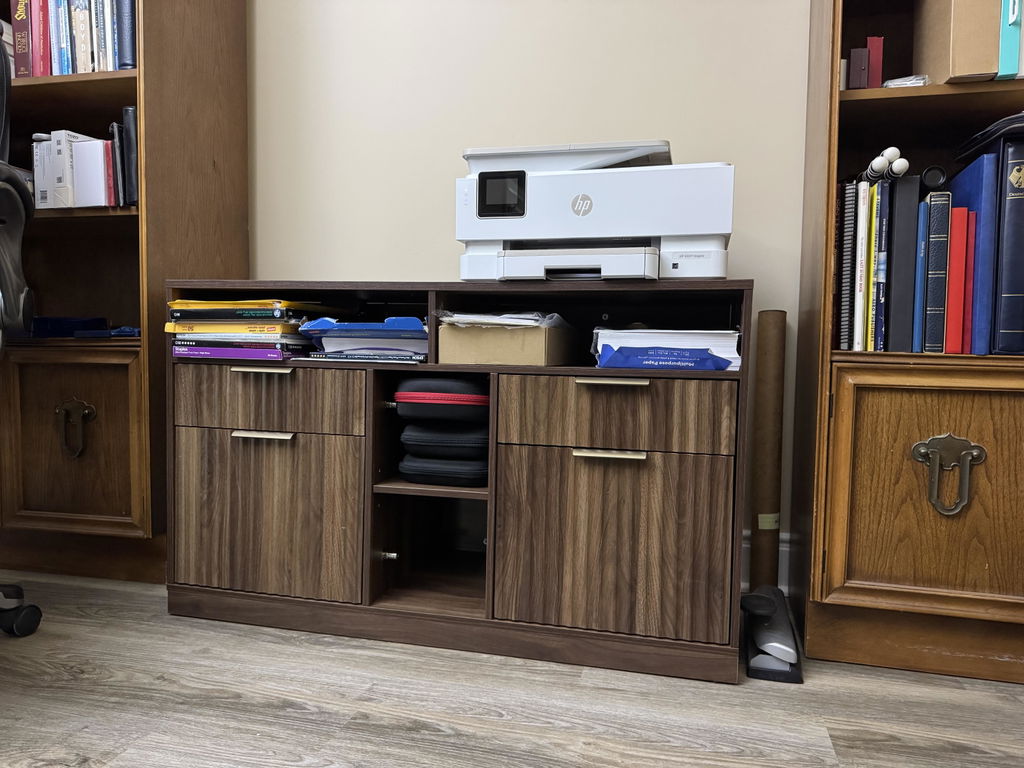
Finally, consider a printer stand with storage to free up desk surface. A two-tier design gives a top platform large enough for a printer or paper and a lower shelf for supplies, helping you keep papers in order between classes. These pieces work together to transform a cluttered dorm desk into a streamlined, study-friendly workstation.
All of these elements come from HUANUO, a brand known for durable, functional office gear. If you’re evaluating options, you’ll find that a complete setup like this often outperforms piecing together separate components from different brands.

In practice, you might search for terms like “standing desk converter” to compare standalone converters with a full desk system. Some students like the flexibility of a converter, but many find a true height-adjustable desk provides more stable, long-term benefits and cleaner cable management. And while you could look at different retailers—such as a broad selection on standing desk amazon—having a cohesive package from a single vendor can simplify installation and ensure compatibility between the components.
Space-Smart Configurations for Dorm Rooms and Home Offices
Space is often the biggest constraint in dorms, and this is where a modular approach shines. The keyboard tray tucks away, the monitor stand raises screens to eye level, and the printer stand stores essentials out of sight. If you’re sharing a room, the height-adjustable desk lets you switch heights for different roommates, while the compact monitor setup keeps sightlines open and the surface uncluttered. The result is a study zone that feels larger than it is, helping you stay organized during back-to-back lectures and late-night problem sets.
For students, reading and drafting are easier when everything is within reach. The multiple components reduce the need to lean forward, stretch, or twist, which translates to fewer aches after long study days. When you pair this with an ergonomic chair and a useful footrest, you’ll notice the difference in both your comfort and your focus.
As you weigh your options, take a cue from standing desk reviews—read about real-world experiences with similar setups, paying attention to stability, ease of height adjustment, and how well the system integrates with multiple monitors and accessories. Real user feedback can clarify which features matter most for your schedule and your room layout.
Putting It All Together: A Simple Plan to Get Started
Start by measuring your space and determining where you’ll place the desk and the monitor stand. Then map out where the keyboard tray and printer stand will live relative to your chair. Ensure there’s enough clearance to stand and move comfortably without hitting walls or furniture. If you’re transitioning from a traditional desk, give yourself a week to adjust to the new heights and seating positions—that familiar posture may feel odd at first, but it tends to pay off in better energy and focus over time.
With a complete setup like this, your study environment becomes a compact, ergonomic ecosystem designed to support your semester—from late-night study sessions to early morning reading marathons. The right gear helps you stay on task, reduce strain, and finish the term strong.
For those evaluating options, remember that the choice isn’t just about one gadget. It’s about a system that fits your body, your room, and your study rhythm. This is where terms like “standing desk reviews” come into play, offering real-world insights into stability and usability. If you’ve considered comparing different brands or retailers, you’ll likely find that a cohesive HUANUO bundle offers compatibility and simplicity that individual purchases often lack.
Care and Maintenance for Longevity
Regular cleaning and inspections keep a desk system performing at its best. Wipe down surfaces, check screws and joints periodically, and ensure monitor arms are tightened so the screens stay exactly where you want them. If you use the desk in standing mode, a brief reset each week to recheck height presets helps preserve the mechanism. Cable management is another easy win—use clips or a shallow tray to keep cords tidy and out of the way of foot traffic and chair movement.
Final Thoughts: Make the Semester Count
A complete HUANUO desk setup isn’t just about gadgets—it’s about designing a space that supports your learning rhythm. By investing in height-adjustable capability, stable monitors, and ergonomic seating, you set yourself up for better focus and fewer aches as you push through essays, labs, and exams. Start with one piece, then expand as your needs evolve, and you’ll notice the difference this semester and beyond.


Share:
The Minimalist White Workspace for Ergonomic Productivity
Back-to-School 8-in-1 Ergonomic Workstation for Students