



Choosing a Monitor Mount for Ergonomic Comfort at Work
If you spend long hours in front of a screen, a well-positioned monitor can dramatically improve your comfort and focus. A proper monitor mount keeps your head, neck, and eyes aligned, reduces strain, and lets you switch between tasks with ease. With so many desk setups, the right mount has to fit your space, your equipment, and your workflow. This guide walks you through how to choose the best monitor mount for your needs and explains how to smoothly complete an order using a secure payment link that adapts to your setup.
When you’re ready to order the exact part you need, our Payment Link 005 helps you complete the purchase after you share your monitor mount model so we can send the correct piece. If you’re exploring payment options, you’ll find flexible gateways like PayPal and Stripe available, and for developers or businesses, Razorpay invoices API can streamline billing. If you ever see a payment link expire, a quick refresh from support will get you back on track.
Why a Monitor Mount Matters
A good monitor mount does more than save desk space. It lets you set the screen at the ideal height, distance, and angle. Proper alignment supports better posture, reduces neck and shoulder tension, and can help prevent headaches caused by glare and eye strain. Even if you already use a tall desk or a standing desk, a mount adds precise adjustability that makes those ergonomic gains consistent throughout the day.
Assessing Your Ergonomic Needs
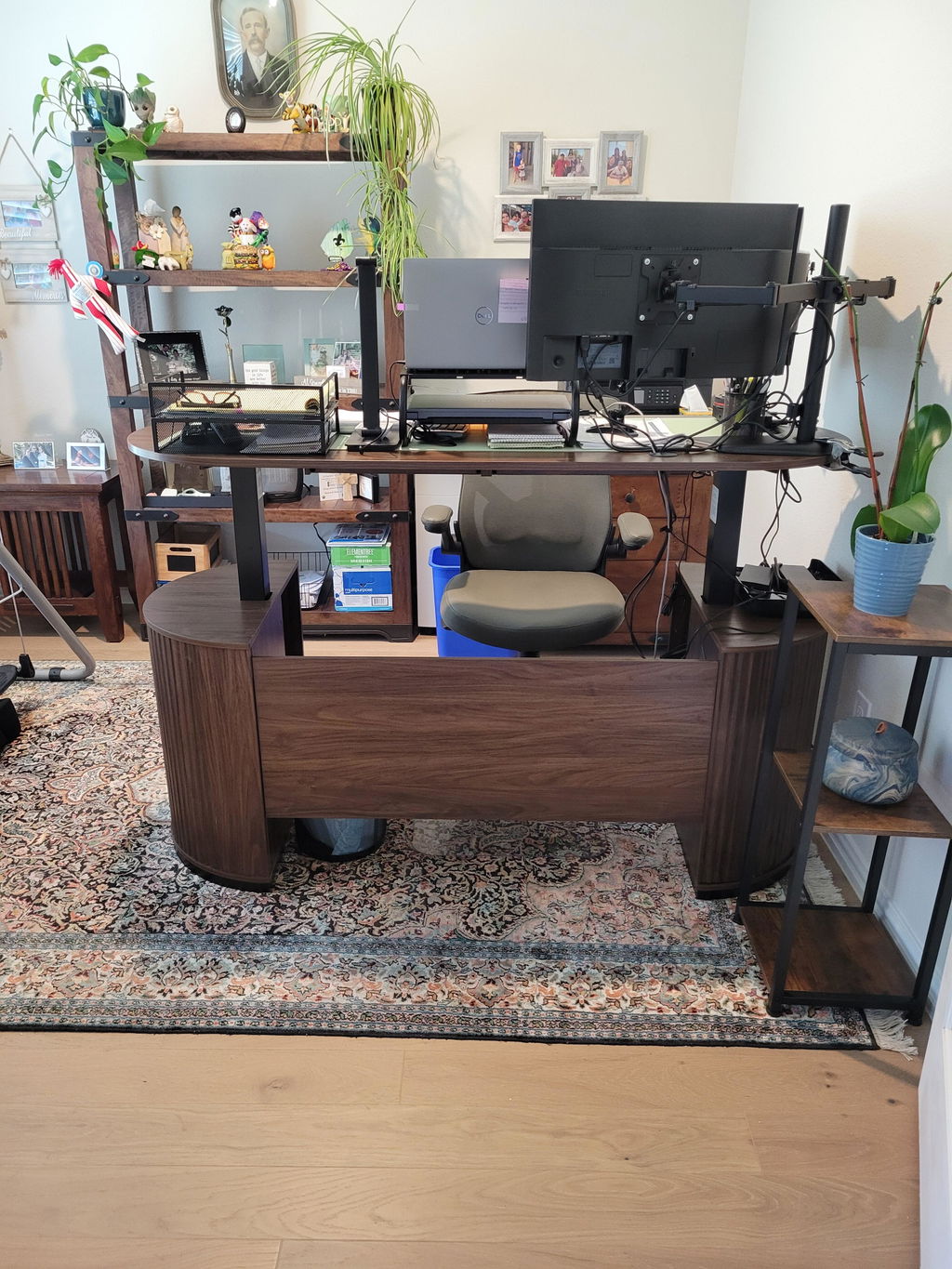
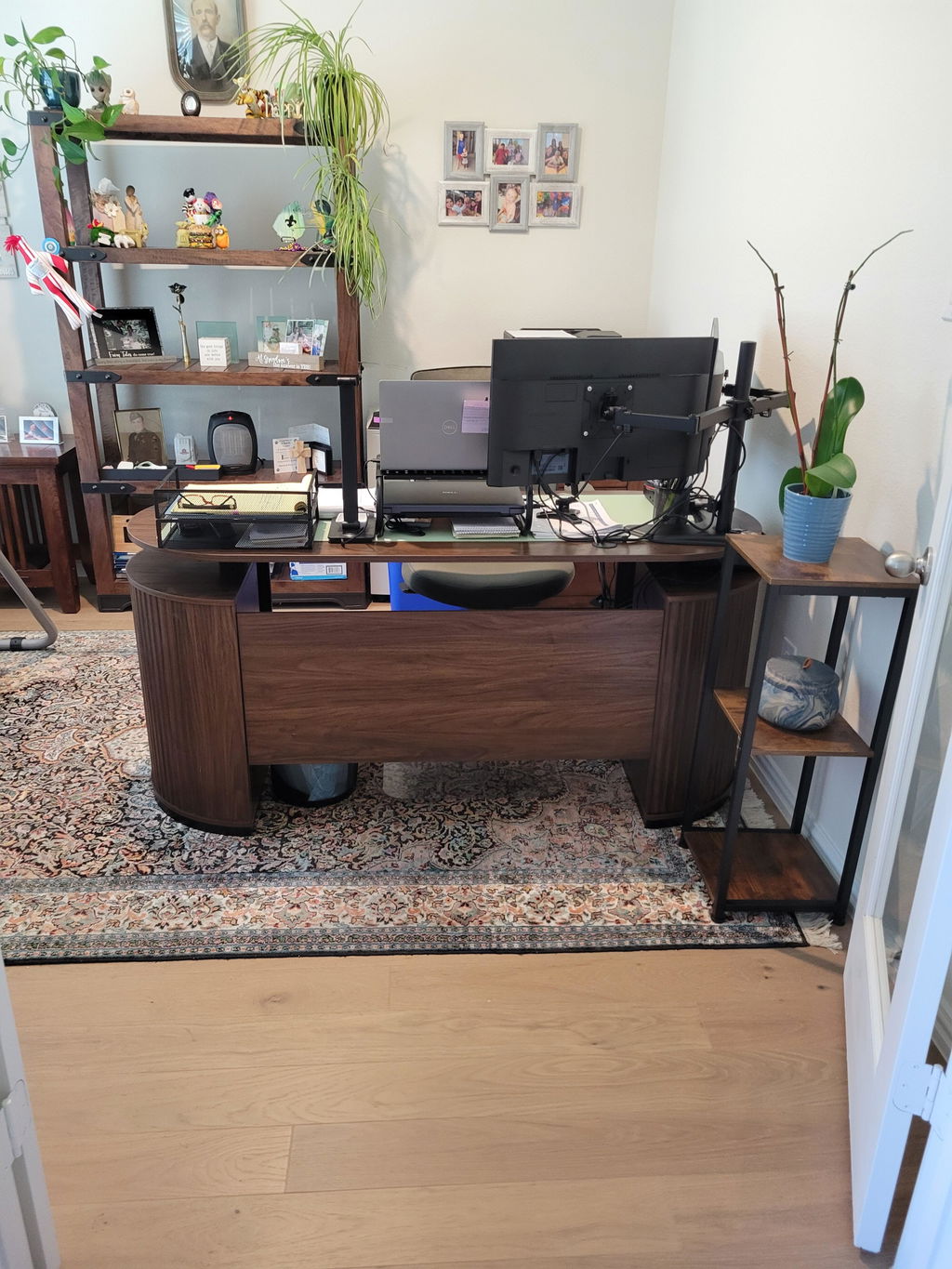
Start with your current desk and monitor setup. Check the screen size, weight, and VESA compatibility to ensure the mount you choose will fit. If you use multiple screens, look for a dual- or multi-arm design that keeps each display stable and easy to swivel. Consider desk space, too: a compact arm may be perfect for a narrow workspace, while a wide arm can handle larger monitors or a pair of displays without crowding the desk surface.
Key Features to Look For
- Weight capacity that matches your monitor (and any additional peripherals)
- Adjustability: tilt, swivel, rotation, and height adjustment for precise positioning
- VESA compatibility and mounting type (clamp, grommet, or pole) to fit your desk
- Cable management to keep the setup clean and distraction-free
- Durability and build quality for long-term use
When you have a clear sense of the features you need, you’re ready to consider how to procure the right part. For many shoppers, the ordering process is as important as the hardware itself because the correct component matters for a proper fit and function.
With that in mind, Payment Link 005 is designed to simplify the purchasing step. It’s a secure way to complete your order after you’ve confirmed the exact monitor mount model needed. Before you place the order, please email us your monitor mount model so we can send you the correct part at support@huanuo.com.

As you compare options, think about regional payment considerations. If you’re shopping from India, you might encounter local references like payment link India in support materials or partner pages. Our payment flow supports multiple gateways, so you can complete the purchase with familiar methods such as PayPal or Stripe, making it straightforward to stay within your preferred ecosystem. For developers and teams handling recurring or large-scale orders, Razorpay invoices API offers a robust alternative to manage billing and invoicing alongside the payment link.
How to Use Payment Link 005 to Get the Right Part
Payment Link 005 is a practical step in the ordering journey. Once you’ve emailed your monitor mount model, you’ll receive a secure link that allows you to complete the payment and finalize shipment details. If you’re in a region where PayPal is common, you can use PayPal on the payment link. If Stripe is your preferred gateway, the payment link is compatible with Stripe as well. Businesses exploring deeper integration can leverage Razorpay invoices API to generate invoices tied to your order, which helps with accounting and record-keeping.
In some cases, customers may search for a payment link India to address regional payment routing. The payment link approach remains flexible and supports these regional needs, ensuring you can finish the purchase with a familiar payment experience. If your payment link ever expires, don’t worry—reach out to support and we’ll issue a fresh link so you can complete the order without delay.
What to Expect After You Place the Order
Once you’ve paid through Payment Link 005 and we’ve confirmed your monitor mount model, we prepare the exact replacement part to ship to you. The process minimizes misfits and returns because the part is specifically matched to your setup. You’ll receive a confirmation email with tracking information, plus any installation tips that help you get the most ergonomic benefit from your new mount.
Tips for Quick Installation and Long-Term Comfort
After installation, take a moment to fine-tune the height and angle so the top of your screen is at or slightly below eye level. Your keyboard and mouse should sit within easy reach, with your forearms parallel to the desk surface. Resetting your monitor position a few times in the first week helps you find the sweet spot where comfort and productivity meet. Regularly cleaning and checking fasteners will keep the mount sturdy and reliable over time.
Regular ergonomic checks, like adjusting lighting to minimize glare and maintaining a neutral wrist posture, can extend the benefits of a properly mounted display. If you notice any issues with alignment or stability, rechecking the mounting setup or consulting support can save discomfort in the long run.
Conclusion: Invest in Ergonomics, Save on Discomfort
A good monitor mount is a small investment with outsized benefits. It aligns your workspace around your body, not the other way around, so you can work longer with less fatigue. With Payment Link 005, getting the right part and keeping your setup up to date is straightforward and secure. Remember to share your monitor mount model with support before you order, and explore the available payment options to find what works best for you. A well-positioned screen isn’t just more comfortable—it’s a foundation for better focus and productivity every day.


Share:
67-Inch L-Shaped Standing Desk for a Space-Smart Office
80" Cloud Modular Sofa: No-Assembly L-Shape with Ottoman