



Standing Desk + Monitor Arm for Ergonomic Productivity
In today’s home offices, long hours at a desk can take a toll on your posture and focus. A standing desk encourages movement and lets you switch between sitting and standing, which can reduce fatigue and improve energy levels. Pairing a standing desk with a sturdy monitor arm creates a clean, organized setup that supports your workflow.
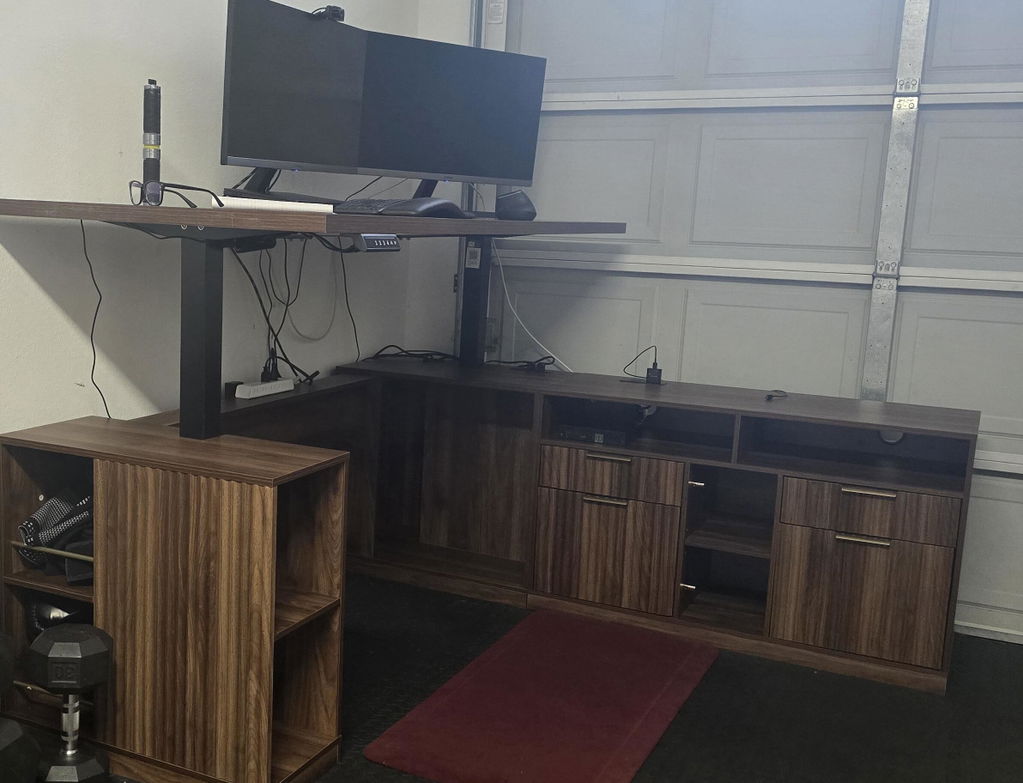
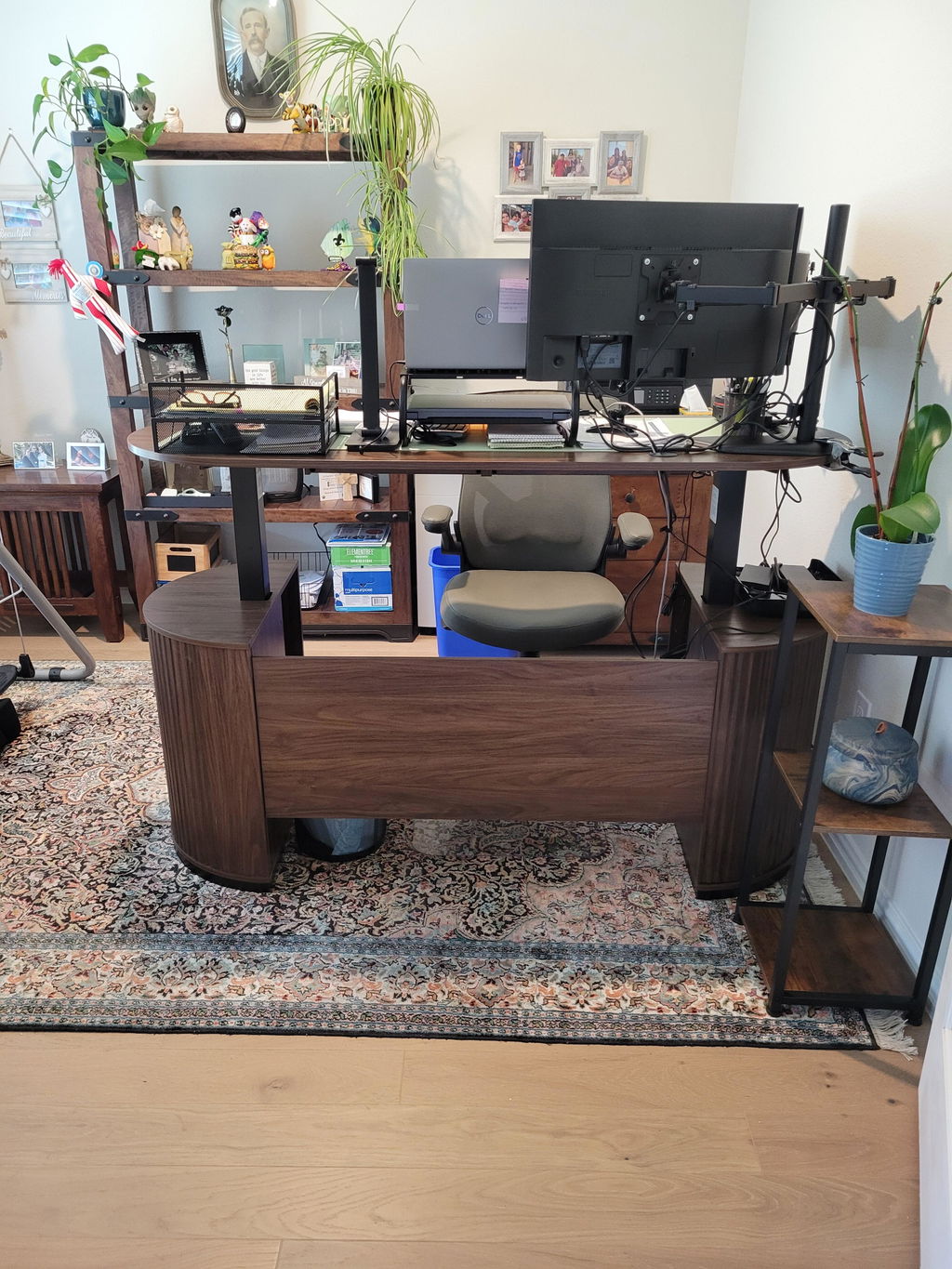
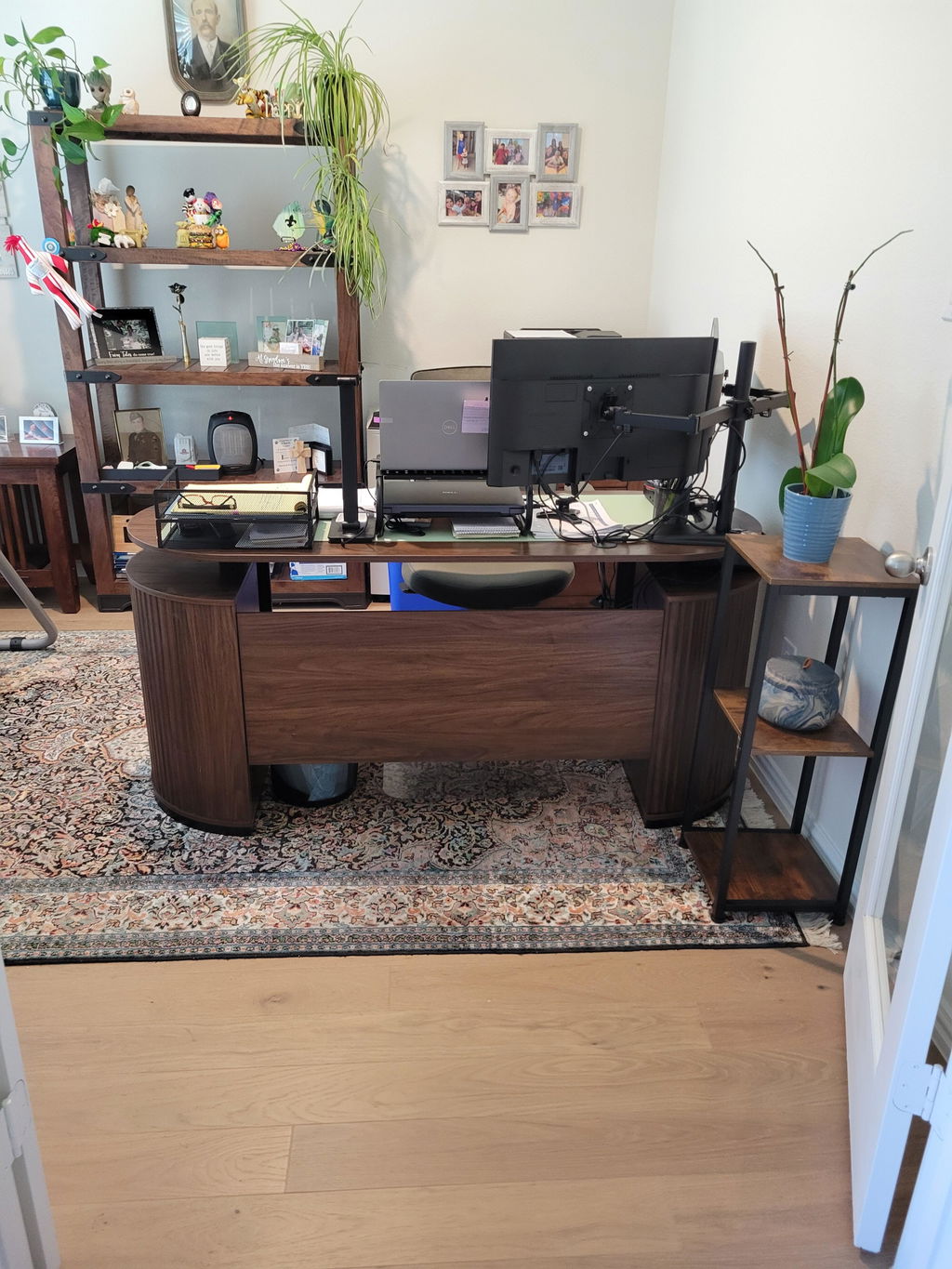
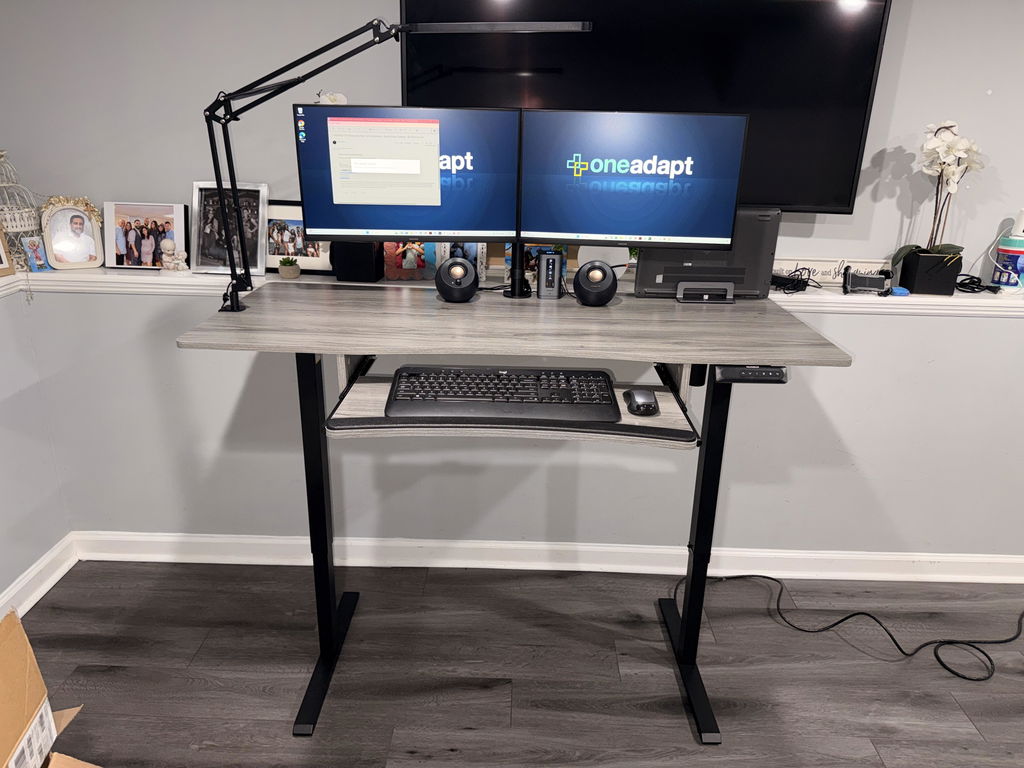
When the desk surface is seamless, you gain a stable foundation for your gear and fewer spots where cables or wrists can misalign. The HUANUO Standing Desk + Single Monitor Arm combines a seamless, one-piece desktop with a heavy-duty monitor arm designed to fit most rooms and workstyles. It’s built to support multiple monitors and a laptop, while keeping your line of sight natural and comfortable.

From there, the key is choosing components that stay steady as you type, scroll, and tilt. A universal single monitor arm for 13"–40" displays provides flexibility for students, remote workers, and professionals. The ability to tilt, swivel, and rotate lets you dial in the ideal viewing angle without straining your neck or eyes.
What makes this standing desk setup a smart choice?
Staying at a comfortable height is essential. A desk that moves smoothly between sitting and standing should offer stable height adjustments and a solid surface for a keyboard and mouse. The HUANUO desk delivers a large, one-piece surface that keeps your keyboard and mouse in place with minimal wobble, especially when you add a monitor arm that holds your display securely at the right level.
And a well-designed monitor arm is a real game changer. The HNSS7 arm supports most monitors and gives you the flexibility to tilt, swivel, and rotate. This means you can reduce neck strain by keeping the screen at eye level, whether you’re drafting, coding, or streaming.
Stability and space: the one-piece desktop
Many desks use seam panels that can flex or wobble. The seamless, one-piece top of the HUANUO setup reduces joint stress and adds about 30% more stability. That means a sturdy base for a laptop, a multi-monitor setup, or a heavy monitor arm. The spacious surface also keeps your keyboard, mouse, notebook, and other tools within reach, so you can work faster with less clutter.
How you place things matters. A large desk surface makes it easy to create a well-organized workflow. You can position a laptop to the side while keeping a primary monitor at eye level, and still have room for a notebook, charger, and a few reference documents. The monitor arm further frees desk space by lifting the screen off the panel and allowing micro-adjustments for comfortable viewing.
Ergonomic adjustments for daily comfort
The monitor arm’s flexibility is especially helpful for reducing neck and eye strain. Tilt ranges from +85° to -30°, swivel reaches 180°, and rotation offers 360° of movement. An ultrawide monitor with a tall height adjustment (about 21.1 inches) and a generous extension (about 25.6 inches) means you can tailor the setup to your unique height and desk depth. This versatility supports standing, sitting, gaming, and collaborative work.
Practical setup ideas for different spaces
If your room is compact, you can still enjoy a clean, productive station with a single monitor arm that clamps securely to the desk edge. A seamless desktop helps with cable routing and creates a tidy look. For students, freelancers, and professionals who switch tasks often, this combo helps you move smoothly from one project to the next without rearranging equipment.
When people start exploring options beyond this setup, they often consider a standing desk converter or a standalone monitor arm. A converter is a quick way to convert an existing desk to a sit-stand surface, but it may not offer the same stability or the seamless look of a built-in standing desk and arm combo. You’ll also find many models on major stores, including popular marketplaces like Amazon; just be sure to check fit, weight capacity, and warranty. In reviews, users frequently note the ergonomic benefits and the value of a solid, stable surface that supports long work sessions.
Key features that boost your daily workflow
First, the one-piece desktop provides a stable, spacious base. No seams means fewer wobble points and more reliable support for your keyboard, mouse, and monitor. Second, the monitor arm is designed to accommodate most displays, which is ideal if you upgrade or change monitors over time. Third, the height-adjustable desk supports comfortable transitions between sitting and standing, helping you stay energized throughout the day.
To maximize the benefits, set up your workspace with an eye-friendly monitor height and reach. The top of the monitor should be at or slightly below eye level when you’re sitting, with the monitor arm adjusted to keep your screen roughly 20 to 30 inches away from your eyes. This simple alignment reduces strain and makes long work sessions more comfortable.
Practical setup tips for a healthier, happier desk
Start with proper posture: shoulders relaxed, back straight, elbows at about a 90-degree angle. As you switch between sitting and standing, keep your wrists in a neutral position and use a comfortable keyboard tray or mat if needed. Cable management matters, too. Use clips or channels to route cords neatly from the desk to power outlets, so nothing distracts you or creates tension on the arm once you move.
Mentioning common search phrases helps if you’re comparing options. Some people search for “standing desk Ikea” to find budget-friendly setups. While Ikea offers solid choices, the seamless HUANUO desk with a universal monitor arm provides a more stable, integrated solution for longer workdays. Others look at a “standing desk converter” to add sit-stand capability to an existing desk, which is convenient but may not offer the same clean aesthetic or level of stability as a purpose-built setup. You’ll also see “standing desk Amazon” results, where product variety is broad but review quality varies—look for trusted brands and clear weight ratings. Finally, when evaluating any option, consider the core “standing desk benefits” like reduced sedentary time, improved circulation, and increased focus. In many standing desk reviews, users praise the combination of height adjustability, stable surfaces, and easy cable management as key drivers of comfort and productivity.
Putting it all together: is this the right setup for you?
If you want a simple, cohesive stand-up workstation that minimizes clutter while boosting comfort, this HUANUO combo is worth considering. The one-piece desktop helps you stay organized, while the universal monitor arm keeps your screen within easy reach and at the perfect angle. The flexibility to tilt, swivel, and rotate makes it easy to tailor the setup to your preferred workflow, whether you’re drafting, coding, or editing video.
For teams or households sharing a workspace, clear design and adjustable arms can reduce setup conflicts and improve collaboration. For those who value science-backed ergonomics, the ability to alternate between sitting and standing all day is a practical way to improve energy and mood, which you’ll notice in long tasks and daily routines.
If you’re weighing options, remember that a surface that’s seamless and a monitor arm that’s truly adjustable can make a big difference in daily comfort. The combination can be a smart upgrade for anyone who spends hours at a computer, whether at home or in a hybrid office. And with the right setup, you can work smarter, feel better, and stay focused longer.
Conclusion: start from a solid foundation
Investing in a seamless standing desk with a universal monitor arm gives you stability, space, and ergonomic flexibility. It’s a balanced solution for everyday tasks and longer projects alike. If you’re moving toward a healthier, more productive work routine, this setup is a strong contender to consider as you design or refresh your home office.


Share:
Best Standing Desk with Dual Monitor Arms for Ergonomics
Premium Executive Chair: Luxury Ergonomics for Your Desk