



Why an L-shaped standing desk can transform a corner workspace
In modern home offices, a standing desk is more than a trend—it is a practical tool for maintaining comfort, focus, and energy throughout the workday. An L-shaped configuration expands your usable surface without crowding the room, allowing you to dedicate distinct zones for computer work, drafting, note taking, and storage within a single footprint. This guide explains what to look for when choosing an L-shaped standing desk, and it highlights concrete features from the 67" Premium Azure Standing Desk by HUANUO to show how a well-designed setup can support your workflow.
What to look for when choosing an L-shaped standing desk
Two important considerations when shopping for an L-shaped desk are how the height adjusts and how sturdy the desk feels under typical workloads. In addition, the shape should complement your room layout and the amount of storage you need. The following factors help you evaluate options with an eye toward longevity, ergonomics, and daily usability.
Height adjustability and range
One of the most important benefits of a standing desk is the ability to switch between sitting and standing positions. A smooth, responsive height adjustment range makes this transition effortless. Look for a desk with a wide enough range to accommodate both shorter users and taller individuals, and reliable motor or crank systems that operate quietly. The 67" Premium Azure Standing Desk offers an expansive height range that can work for a wide variety of body types and seating preferences, helping you optimize posture throughout the day.
Stability, speed, and load capacity
Stability matters as you raise the desk height or place heavier gear on the surface. A sturdy frame with rigid supports reduces wobble and contributes to safe, accurate keyboarding and mouse movements. Check the maximum load capacity to ensure it can handle your monitor(s), laptop, docking station, and peripherals. The Azure model supports substantial weight while maintaining stability at elevated heights, which is essential for long sessions and multi-monitor setups.
Desk surface and finish
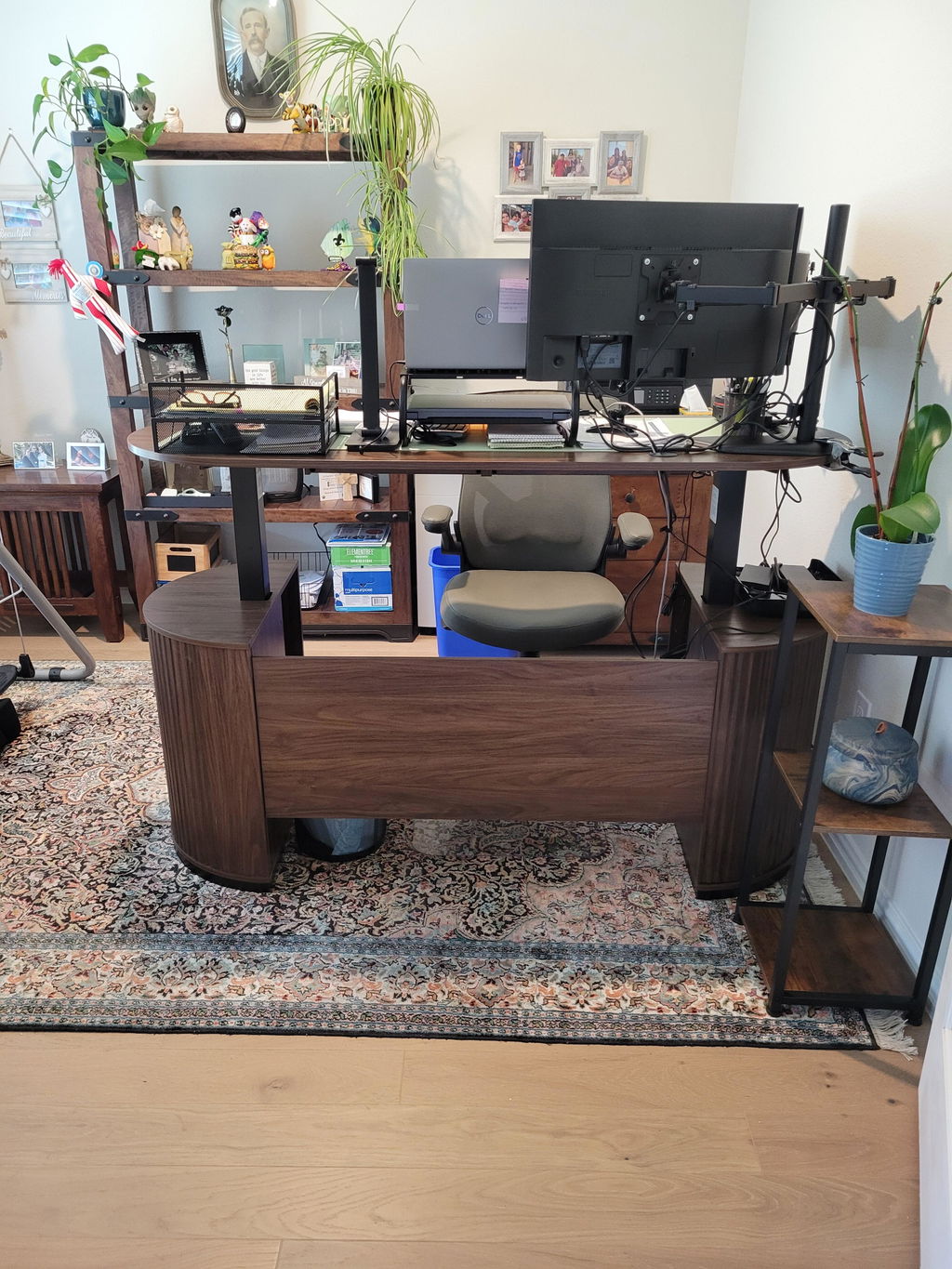
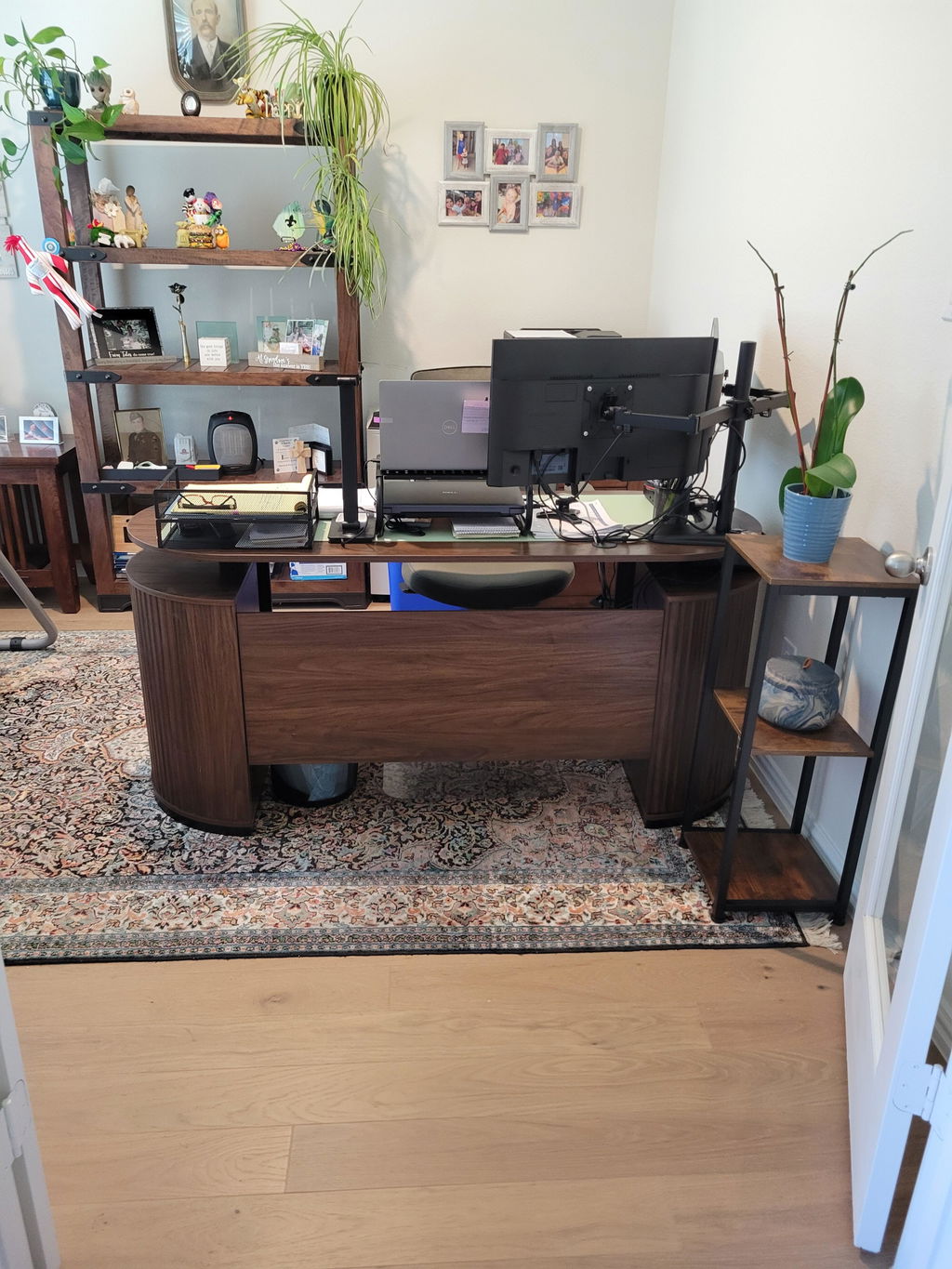
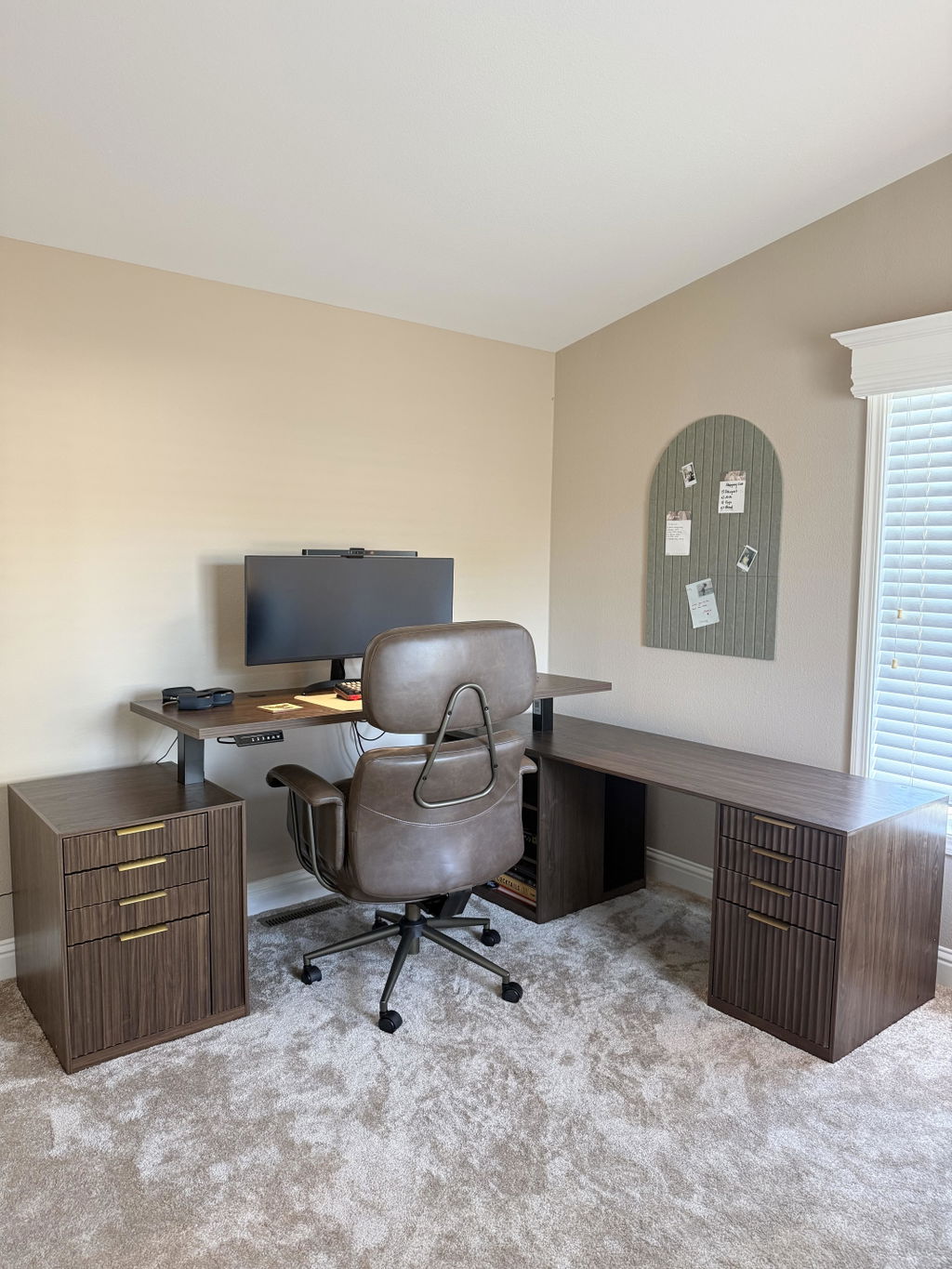
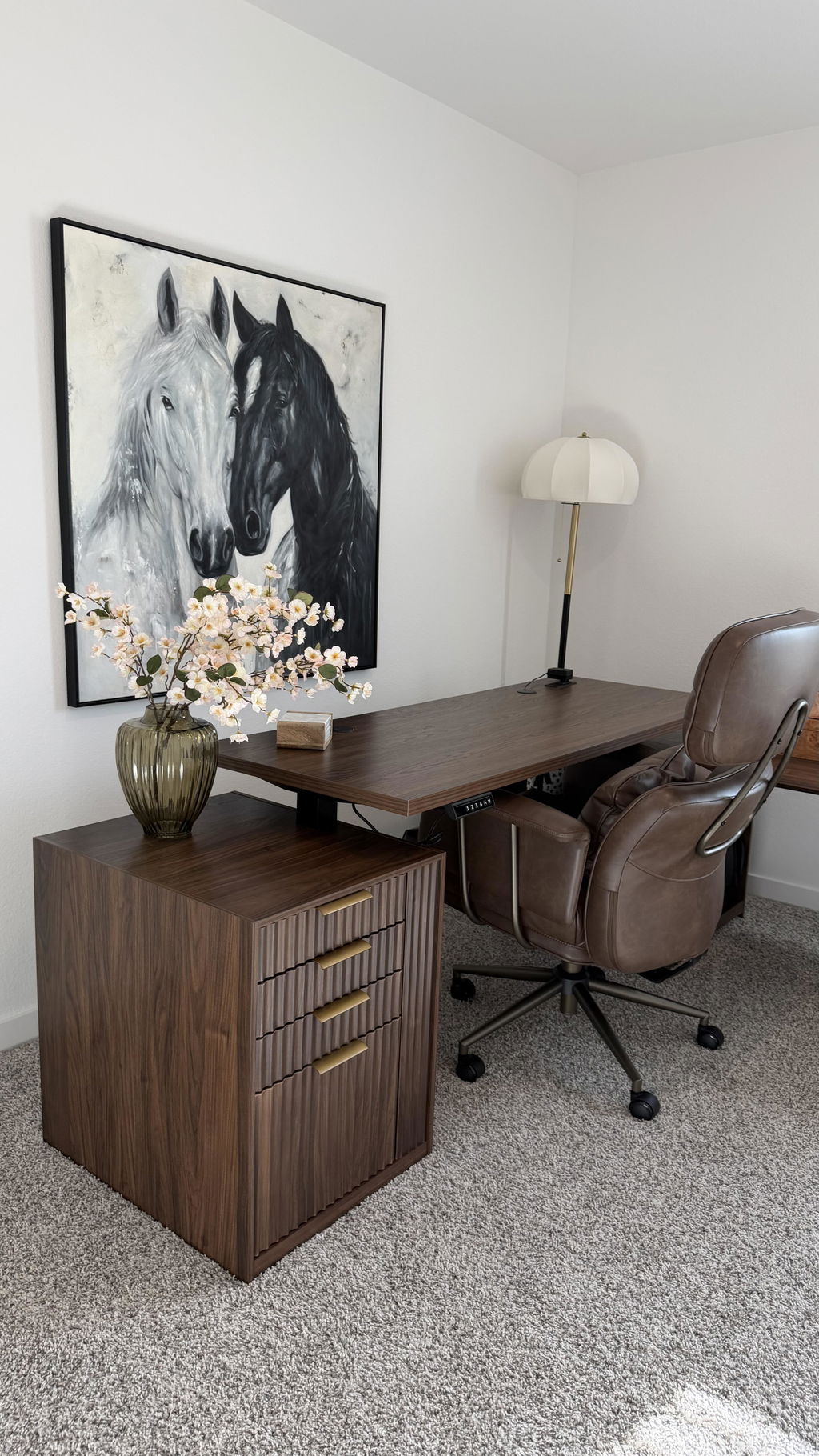
The desk surface should offer comfortable ergonomics and easy maintenance. A thick, solid desktop tends to resist flex and supports long-term use. The Azure desk features a 1.18-inch thick desktop with a clean, modern profile and subtle vertical fluting.
Available finishes and textures can influence your room’s aesthetic, so choose a surface that complements your cabinetry, flooring, and wall colors while remaining durable for daily writing and equipment use.
Shape, size, and built-in storage
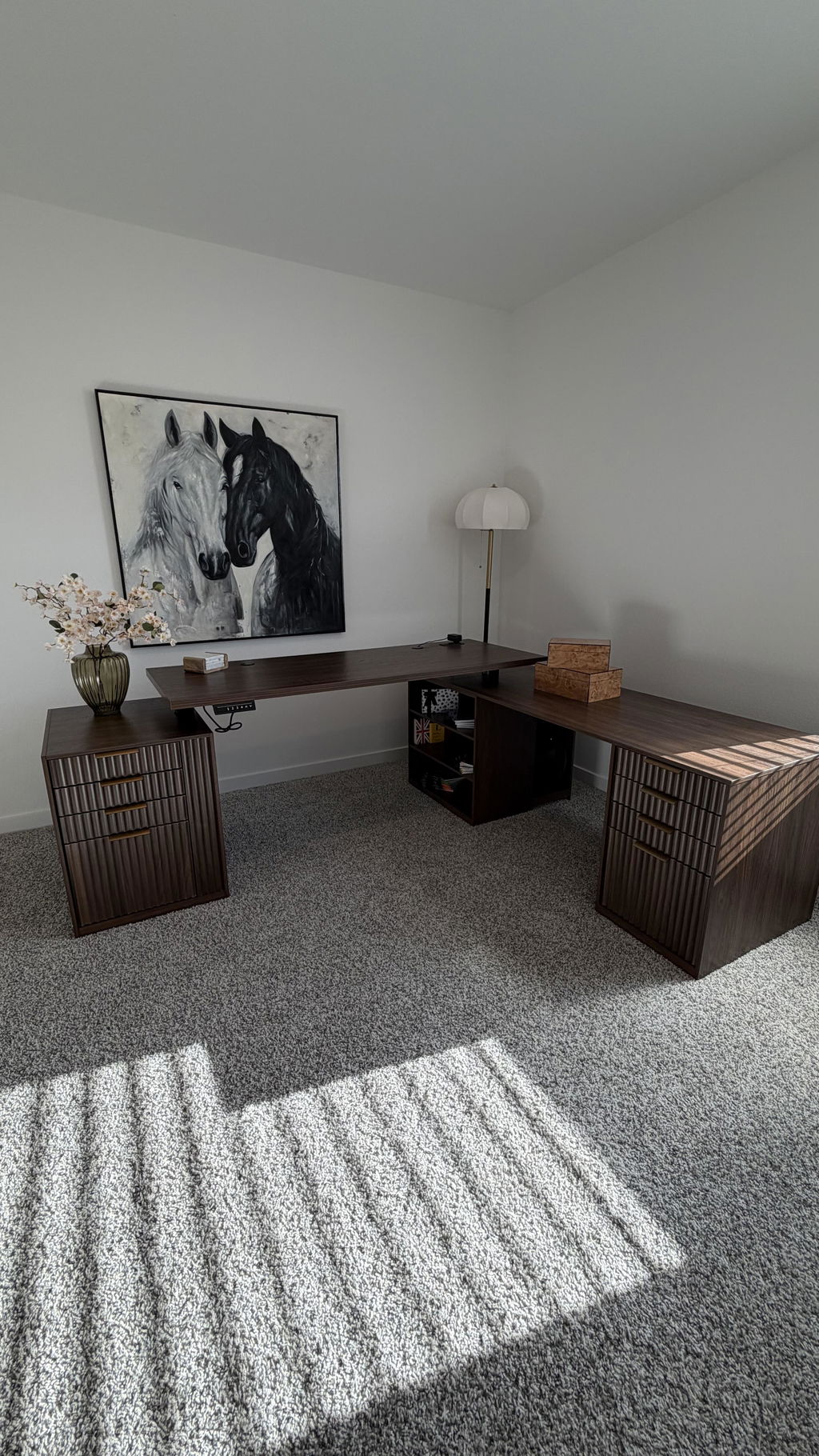
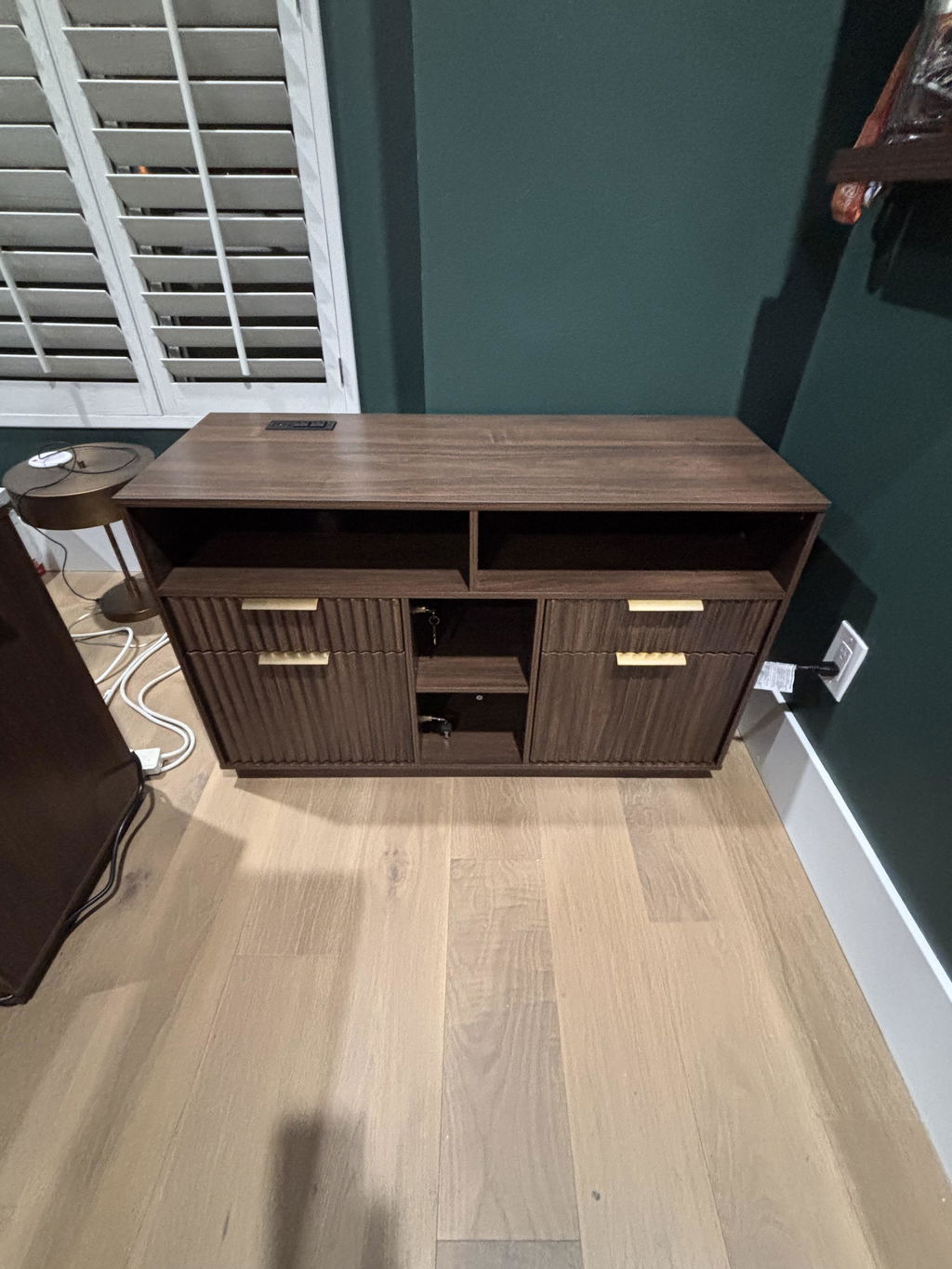
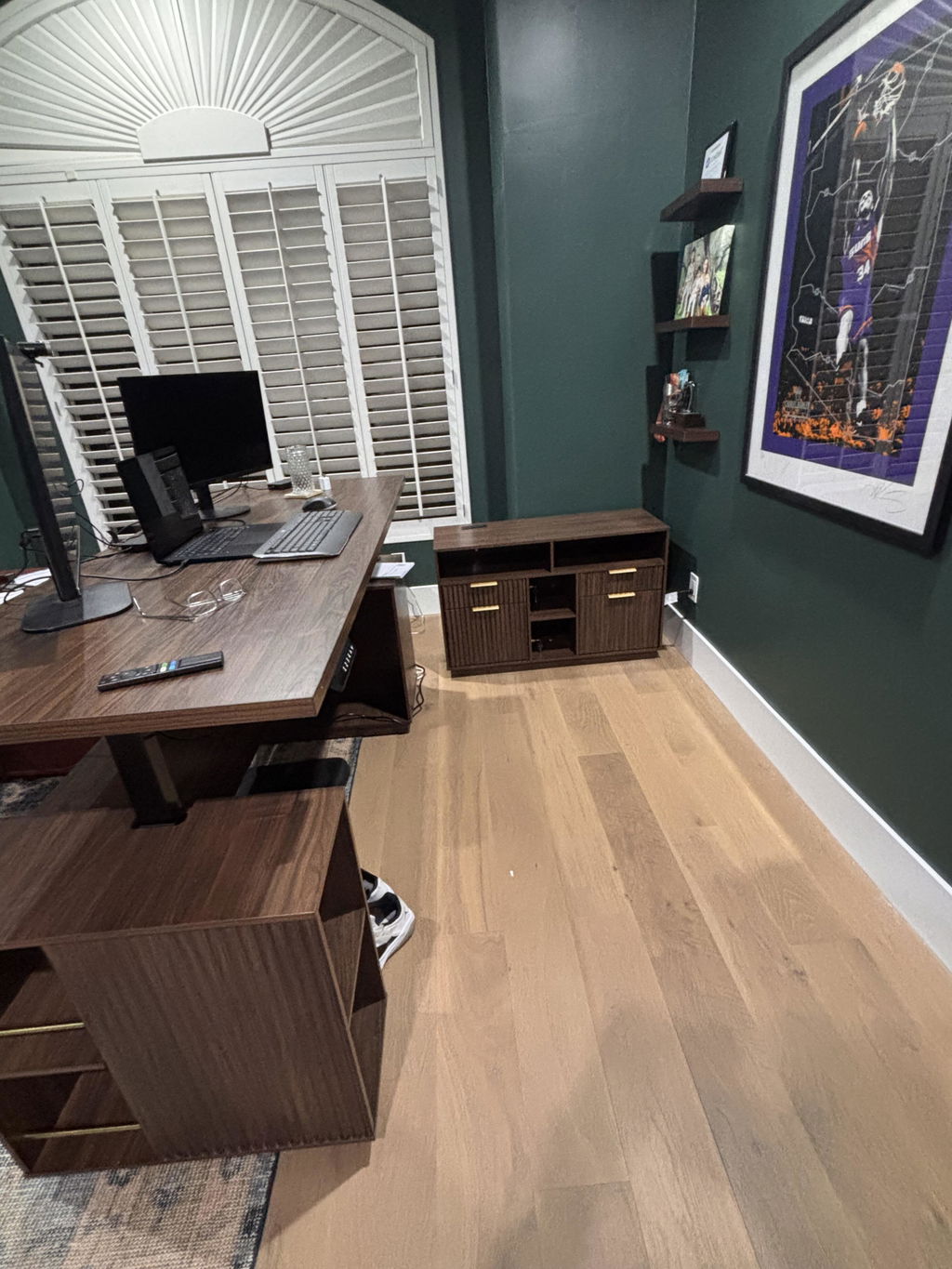
An L-shaped layout naturally provides extended work surfaces in two perpendicular directions. In addition to the main desk, consider integrated storage options that are easy to access yet out of the way when you’re focused on a task. The 67" Azure design includes two file cabinets with quiet slides and secure locks for A4/Letter-sized files, plus adjustable shelves
and sliding doors to free up space behind closed panels. The ability for the cabinets to work together or apart makes it possible to configure an L-shaped workstation that fits your room and workflow, including corner placement or a flexible footprint in larger rooms.
Build quality and long-term durability
A premium desk should feel solid at any height. Look for aerospace-grade steel legs and tested components that demonstrate durability under repeated cycling. The Azure desk is built to endure many lifting cycles and heavy daily use, helping you avoid the cost and disruption of frequent replacements. A robust frame contributes to long-term stability and confidence when standing for extended periods.
Storage, organization, and cable management
Effective storage reduces desk clutter and protects important documents. Storage features such as file cabinets with secure locks, quiet slides, and adjustable shelves give you flexible organization for paperwork, reference materials, and office supplies. Consider how cable management options—such as discreet routing paths, grommets, or built-in channels—will keep cords out of sight while remaining accessible for updates or reconfigurations. When storage is integrated into the desk, it becomes part of the workflow rather than an afterthought.
How to configure an L-shaped setup for your space
With a corner-friendly footprint, an L-shaped desk supports multitasking and multi-monitor workflows more effectively than a simple rectangle. Here are practical steps to optimize your layout, whether you’re decorating a compact home office or a larger creative space:
- Measure your room and doorways: Start with precise measurements of the corner where the desk will live, plus any access routes for assembly and furniture movement. Ensure there is enough clearance for full extension of the desk legs and any under-desk storage units.
- Plan keyboard and monitor placement: Position the primary monitor(s) at eye level and an arm’s length away. The deep surface of an L-shaped desk lets you place a secondary monitor on the short leg without crowding the main work area.
- Allocate zones for tasks: Use one side for focused computer work and another for drafting, note-taking, or reference materials. The included file cabinets and adjustable shelves help you store common items near the main desk while keeping the surface clear for daily tasks.
- Control cable clutter: Run cables along the edge of the desk or through a cable channel to maintain a clean surface. If your desk includes storage doors, plan for easy access to power strips and hubs while keeping cords tucked away behind closed panels.
- Test and adjust: After setup, test the height in both modes and adjust as needed for posture, keyboard reach, and monitor alignment. Small refinements can dramatically reduce neck and shoulder strain.
Whether you work primarily at a computer, draw by hand, or move between tasks, an L-shaped desk with integrated storage can simplify your routine and improve your posture. The 47.2-inch main desk plus two cabinets offer a flexible configuration that supports a cohesive, efficient workflow, while the range of finishes allows you to match the space’s overall aesthetic.
Ergonomics, workflow, and daily use
Beyond the desk’s physical footprint, ergonomics plays a central role in how effectively you work throughout the day. Here are ergonomic principles to apply when using an L-shaped standing desk:
- Monitor height and distance: The top of the monitor should be at or slightly below eye level, with the screen positioned roughly an arm’s length away. This placement minimizes neck strain and reduces the need for head tilting.
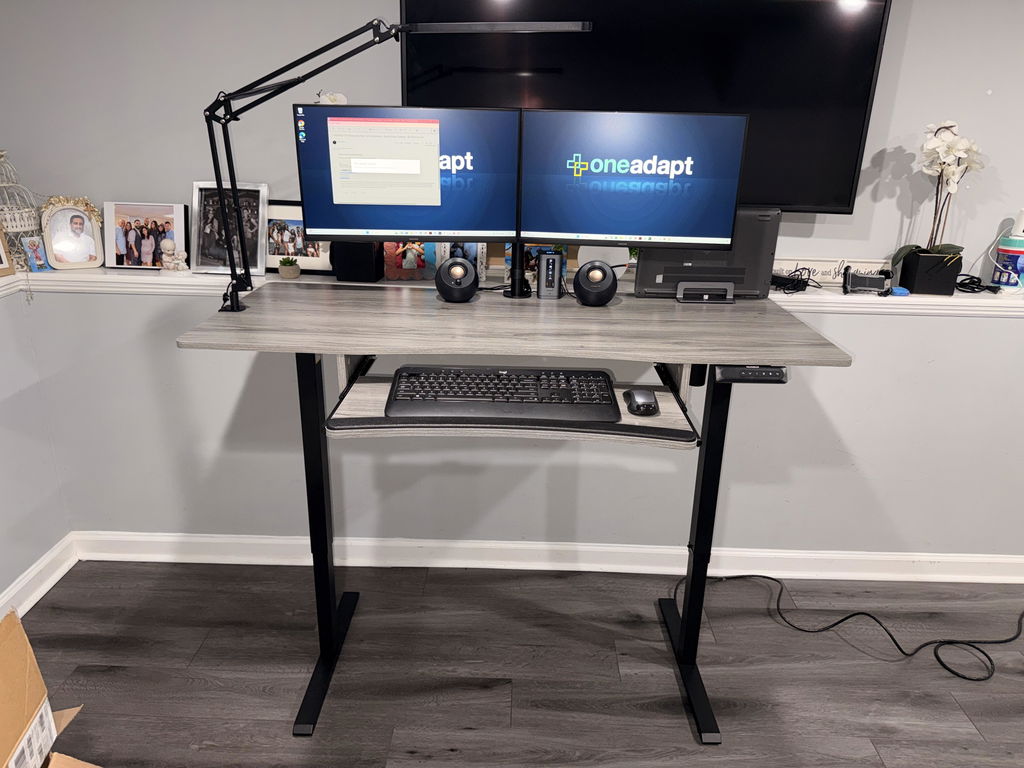
- Keyboard and mouse alignment: Keep wrists straight and forearms parallel to the floor. If space permits, consider an adjustable keyboard tray or a dedicated surface that helps you maintain a comfortable angle during long sessions.
- Alternating positions: Alternate between sitting and standing in shorter increments (e.g., 30–60 minutes standing, then sit). A desk with a smooth height transition supports frequent position changes without disrupting your flow.
- Foot support and movement: When standing, use a supportive mat and consider occasional micro-movements or shifts in weight to reduce fatigue. An L-shaped layout can help you switch between tasks without losing posture alignment.
Cable management, maintenance, and longevity
Regular maintenance extends the life of your desk and keeps it looking and performing well. Wipe the surface with a soft, damp cloth, avoiding harsh cleaners that could damage finishes. Periodically check screws and legs for looseness and apply manufacturer-recommended lubrication to sliding components or hinges if provided. For storage-integrated desks, verify that cabinet slides remain quiet and locks function reliably, ensuring your documents stay secure and stable as you reposition the desk height or reconfigure the layout.
Is the 67" Premium Azure Standing Desk right for you?
The answer depends on your space, how you work, and how important integrated storage is to your routine. If you value a robust, space-efficient corner setup with a solid, adjustable work surface, the Azure model offers a compelling combination of durability, ergonomics, and organization. Its 1.18-inch-thick desktop, four finishes, and two-file-cabinet storage solution provide both aesthetic appeal and practical utility for a modern home office or small business workspace. When you need a workspace that transitions from focus-intensive tasks to collaborative planning, a well-designed L-shaped desk can help you create zones that minimize disruption and maximize productivity.


Share:
Endorsed by Ergonomic Expert
Designing a Cohesive Home Office with a 70" Desk, 71" Corner Bookshelf, and Charging Cabinet in Dark Walnut