



Introduction
Creating a productive home office begins with a layout that supports your workflow, reduces clutter, and reflects your personal style.
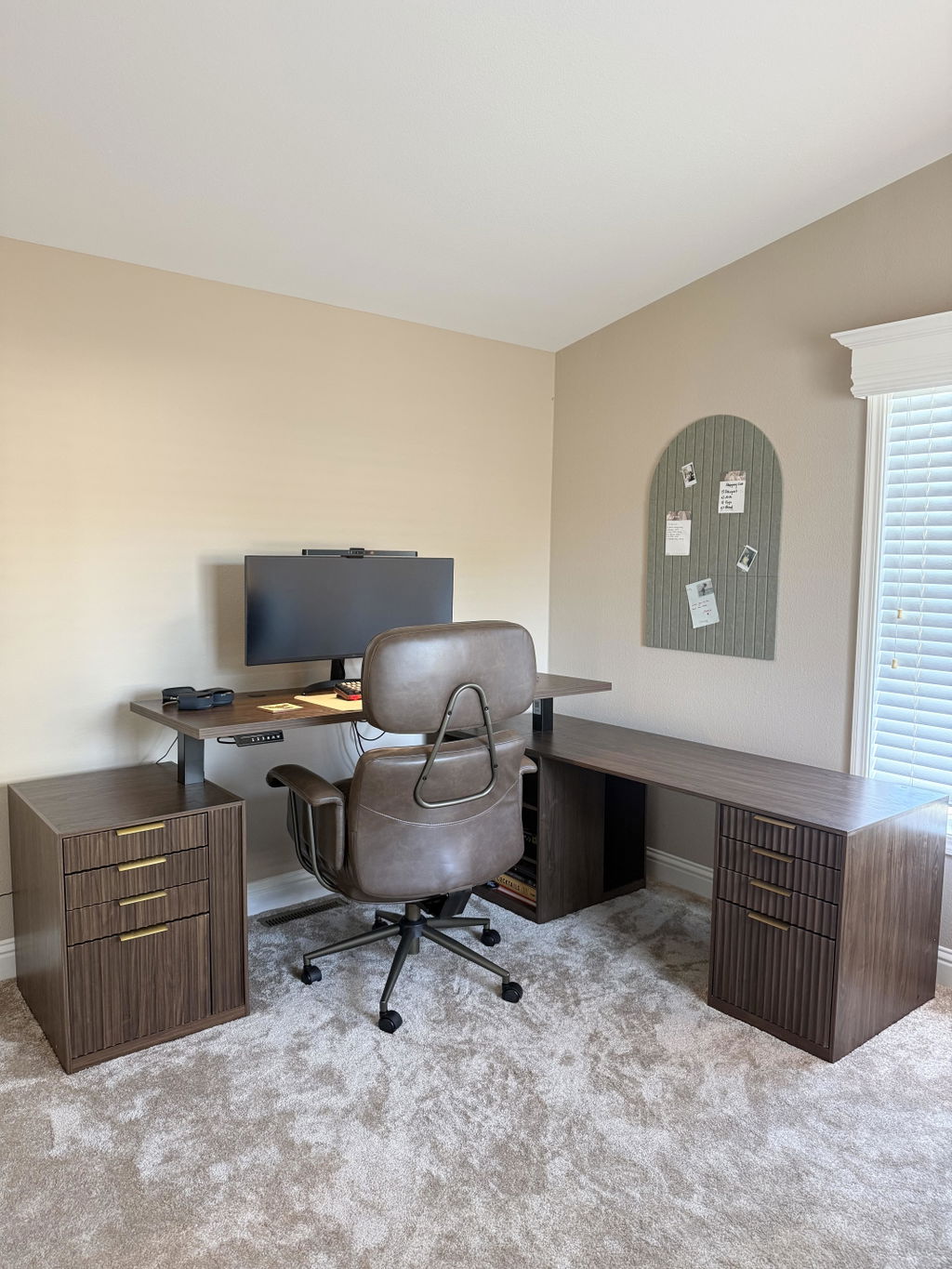
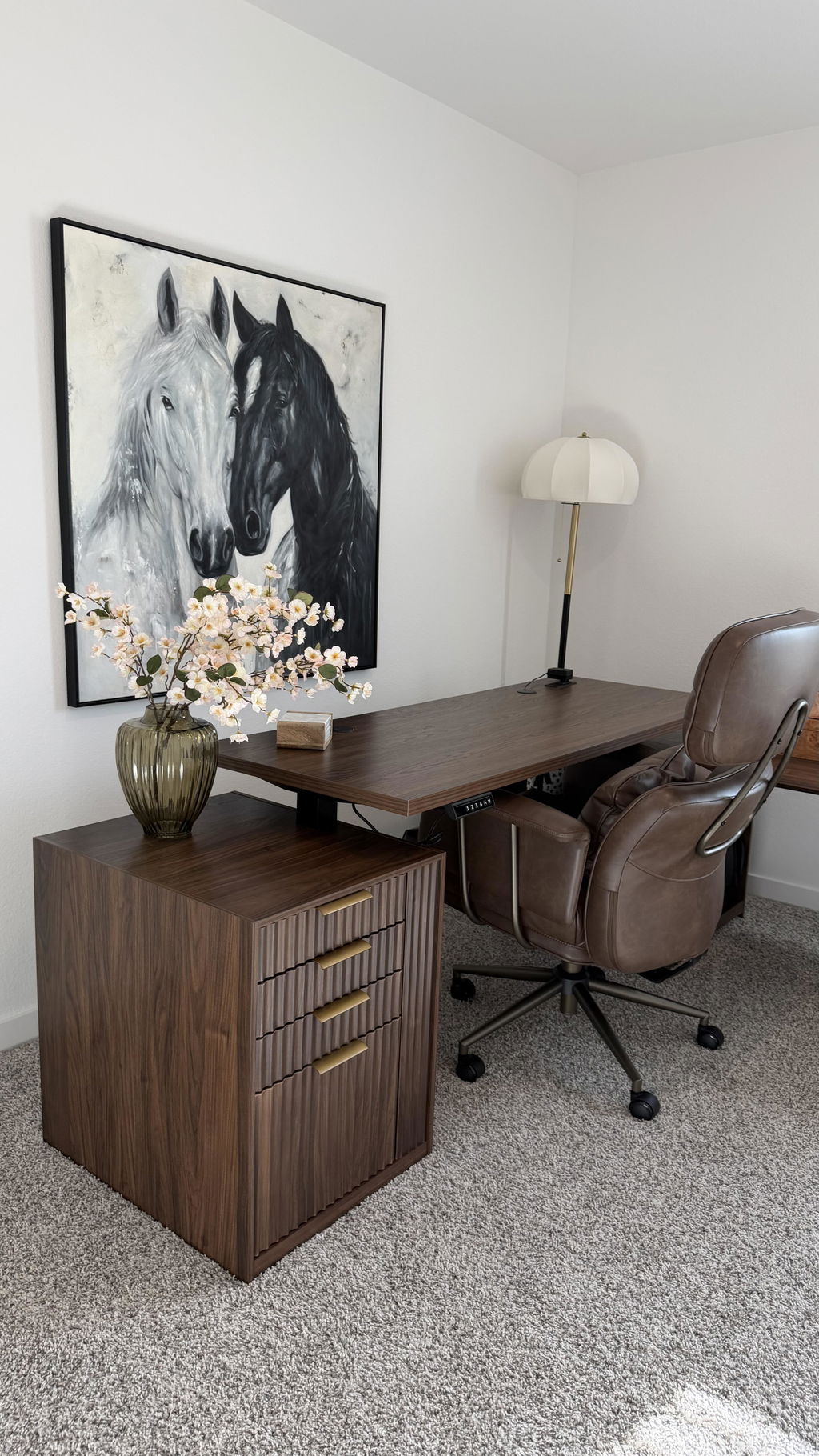
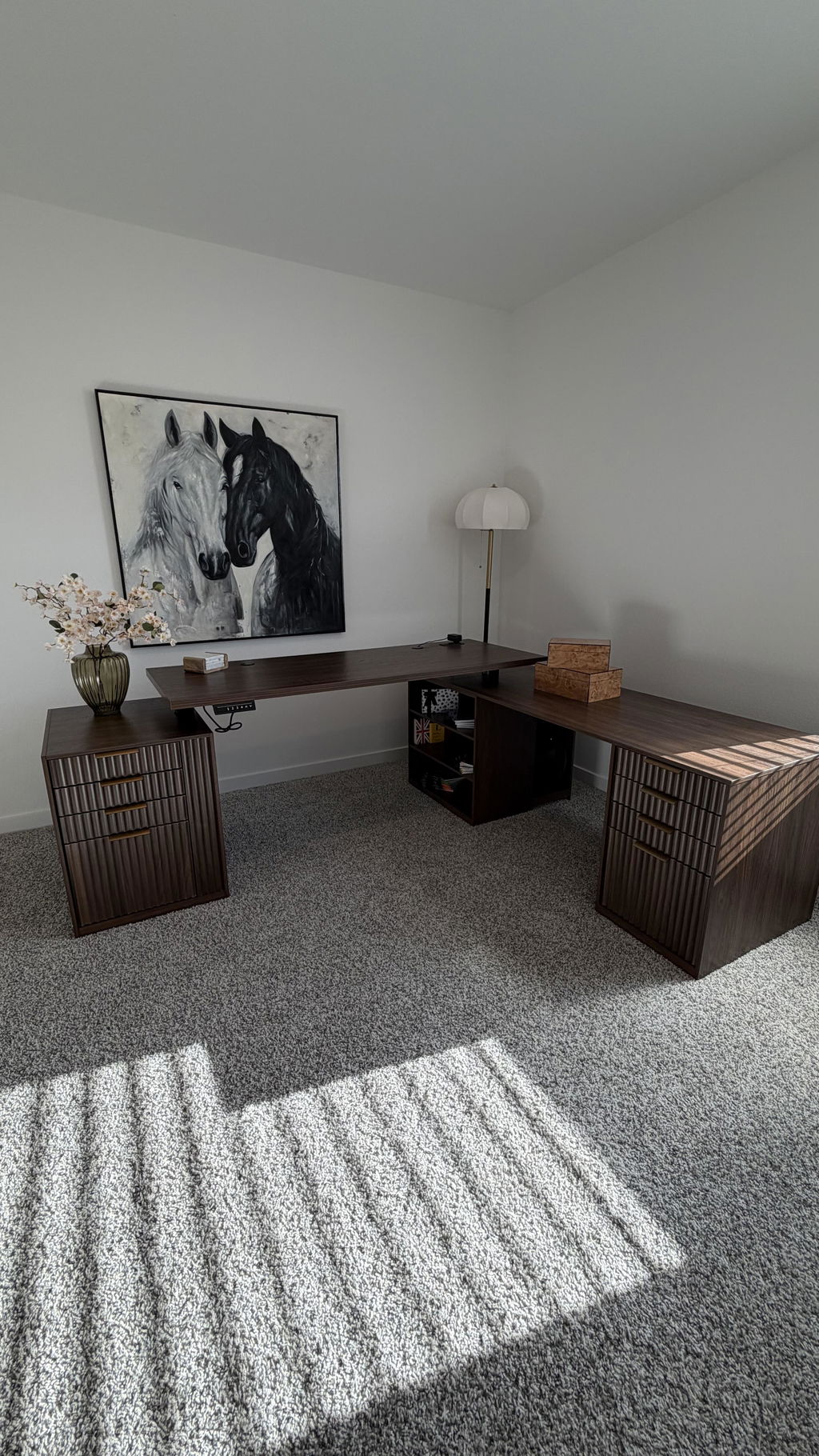
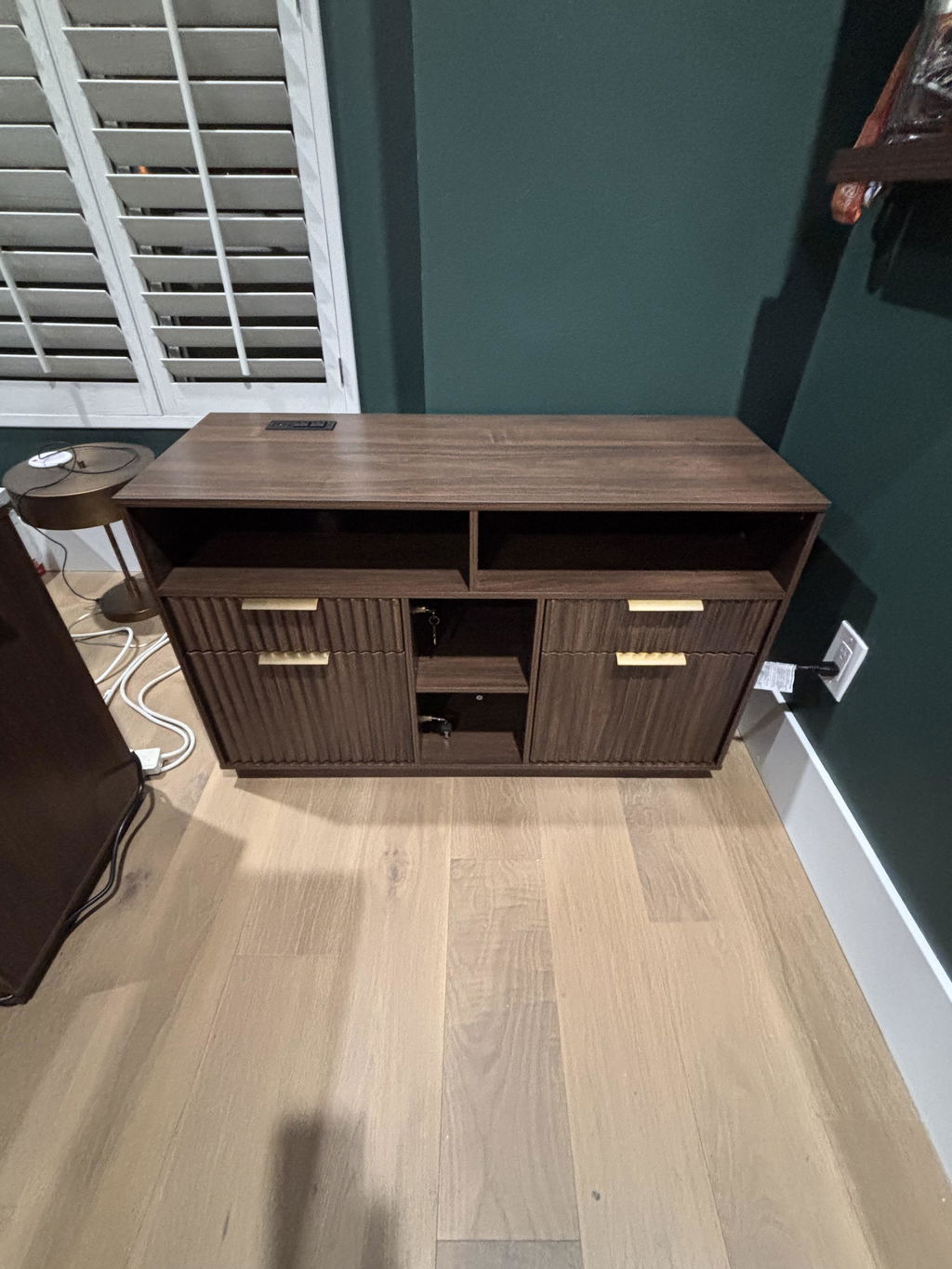
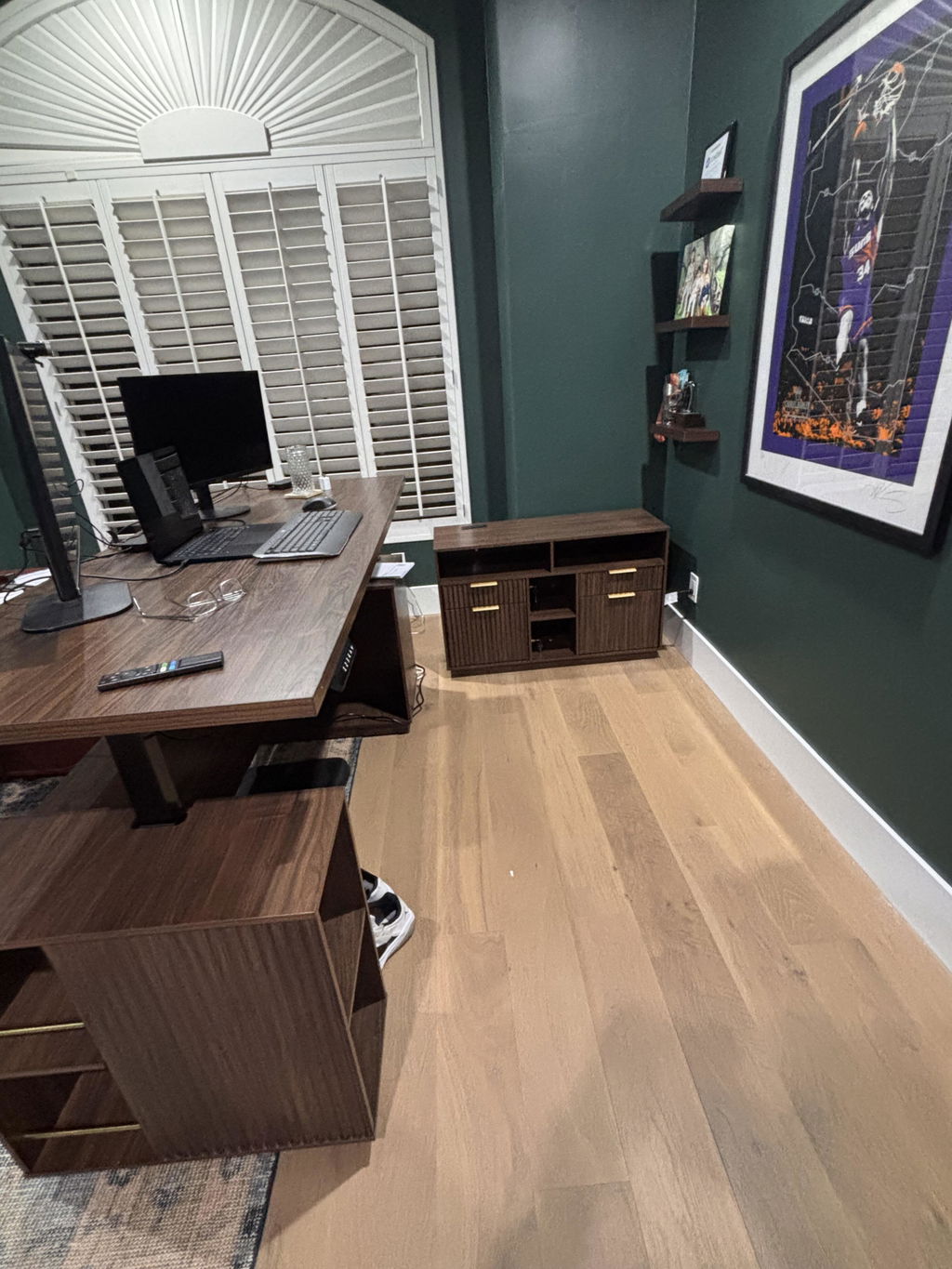
When space is at a premium, combining essential components into a single, cohesive setup can save square footage while improving usability. The 70" Desk · Straight + 71" Corner Bookshelf + Charging Printer Cabinet in dark walnut offers a streamlined solution: a generous work surface, corner-mounted storage that maximizes wall space, and a dedicated cabinet that houses printers and charging needs. In this article, we explore how to design a functional, visually cohesive home office around this bundle, with practical steps, layout ideas, and care tips to help you get the most from your investment.
Why this bundle makes sense for modern home offices
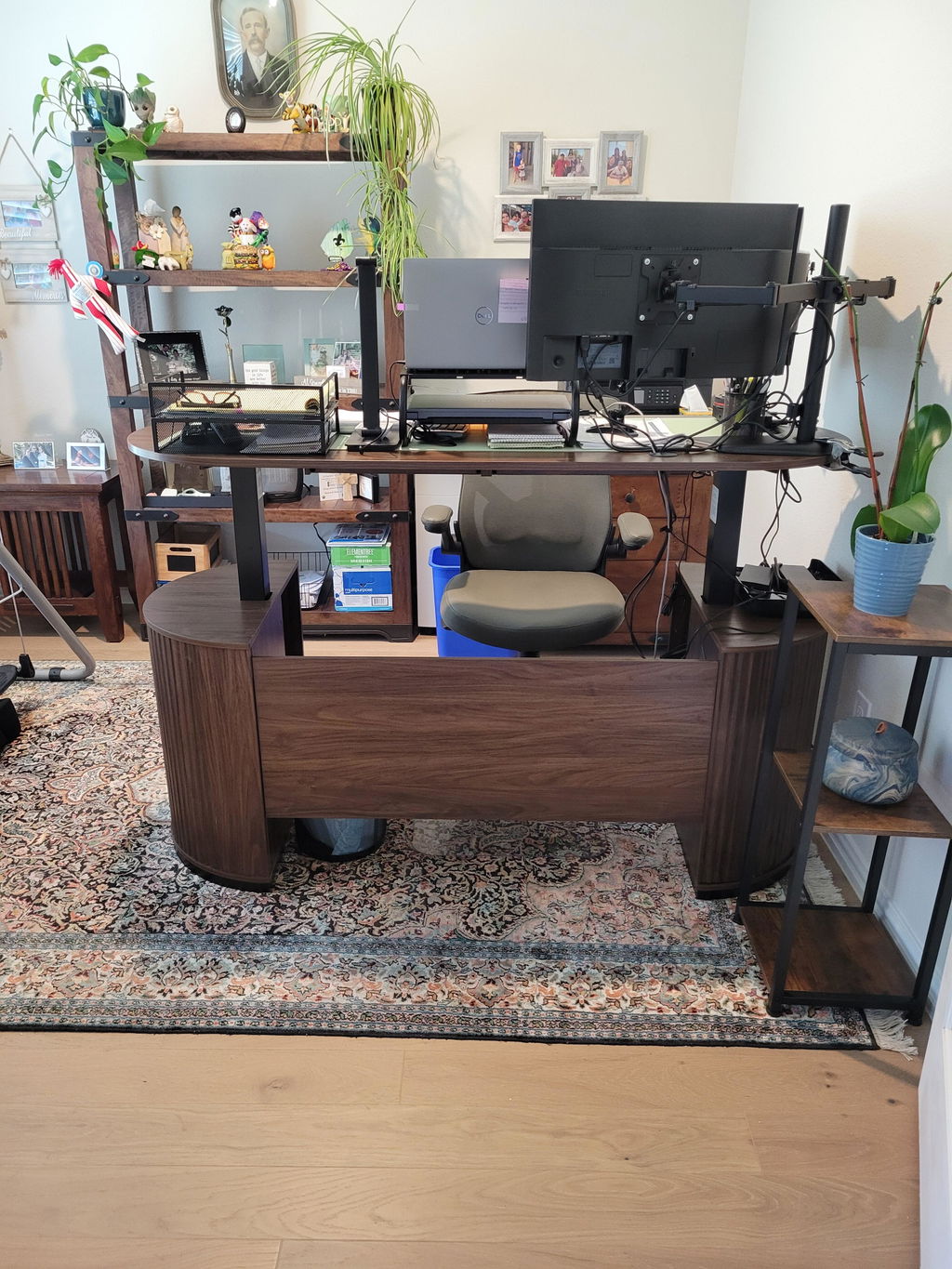
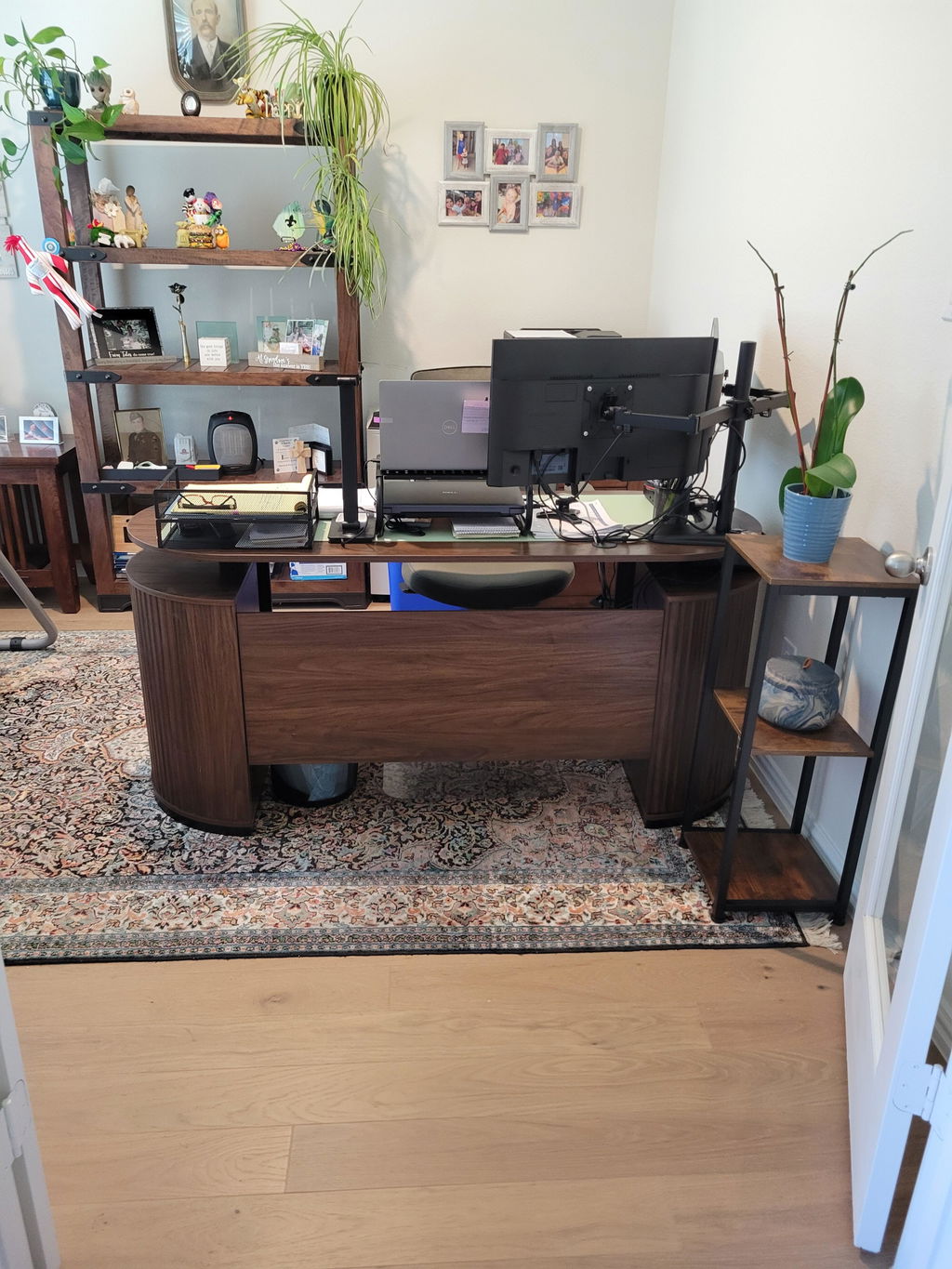
Many remote workers juggle multiple tasks at once: drafting documents, reviewing spreadsheets, printing and scanning, and managing cables from various devices. A bunded setup that aligns the desk, bookshelf, and cabinet can reduce decision fatigue and create a dedicated space for work without feeling crowded. The 70" Desk provides ample room for keyboards, mice, notebooks, and two monitors, while the 71" Corner Bookshelf adds vertical storage for reference books, binders, and decorative items. The Charging Printer Cabinet consolidates power, charging cables, and a printer in one accessible location, keeping cords out of sight yet easy to reach. The dark walnut finish ties these elements together, creating a cohesive aesthetic that complements a range of chair styles, wall colors, and lighting.
Assessing your space and planning the layout
Before you place furniture, take precise measurements of the room, including doorways, windows, and baseboard outlets. Consider the natural flow of movement: where do you enter, reach for documents, or walk to a filing cabinet? An effective layout keeps traffic clear and workstation activities uninterrupted. Here are practical steps to start planning:
- Measure the available wall lengths where the desk and bookshelf will sit. The 70" desk is long enough to hold a monitor pair, a lamp, a notebook tray, and still leave space for a mouse and hands to rest comfortably.
- Identify a location for the Corner Bookshelf that makes the most of the corner nook — typically a spot opposite or adjacent to the desk for easy vertical storage without encroaching on the work surface.
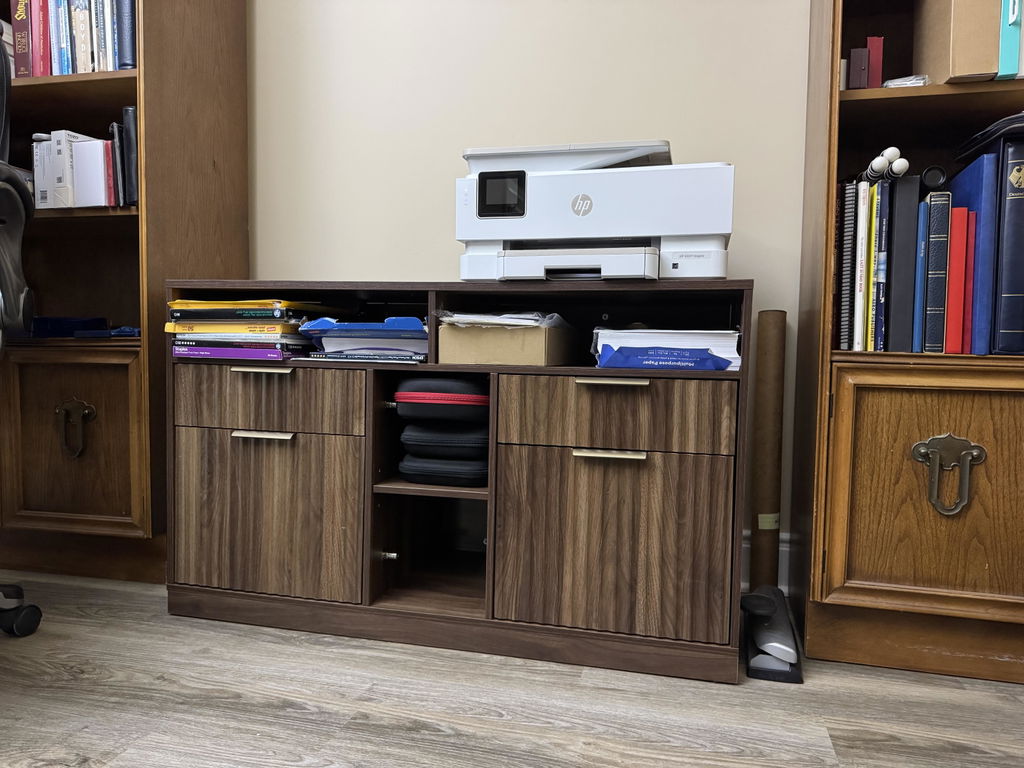
- Determine where the Charging Printer Cabinet will live. A central, low-traffic zone near power outlets reduces cord length and minimizes stepping over cables during printer operation.
In addition to measurements, think about ergonomics. Your monitor height, chair position, and keyboard tray should align with your elbow height when your forearms are parallel to the desk. This alignment lowers shoulder and neck strain and supports longer, more comfortable work sessions.
How to plan around the bundle: desk, bookshelf, and cabinet
The 70" Desk: workspace and ergonomics
The desk offers a generous expanse for your computer setup, writing space, and essential accessories. When you place the desk, aim to position your primary monitor within an arm's reach while you sit with your back supported
by an ergonomic chair. Allow at least 2–3 feet of clearance behind you for movement and cable access. If you frequently use a laptop, consider a stand or dock that tilts the screen at eye level to promote a neutral neck posture.
The 71" Corner Bookshelf: storage without sacrificing floor space
A corner bookshelf is a smart way to add storage without infringing on the main desk area. Place frequently used books and reference materials at eye height and within easy reach, while seasonal decor or archival items can live on higher shelves. Consider labeling or color-coding sections to streamline retrieval. The vertical footprint helps keep the desk surface clean, which in turn supports a calmer, more focused workflow.
The Charging Printer Cabinet: organization and power management
Printers, scanners, and charging devices often become a tangle of cords. A dedicated cabinet confines these cables and devices to a single station, simplifying daily use. When arranging the cabinet, route power cables to a surge-protected outlet and consider a cable management system that hides wires from view.
If your printer sits within the cabinet, ensure ventilation is adequate and that access to paper supplies, ink, and maintenance tools remains convenient.
Style, finish, and how to blend the look
The Dark Walnut finish on this bundle establishes a warm, versatile tone that pairs well with a range of chair colors and wall hues. Dark walnut wood tones can anchor a modern minimalist space or complement a traditional aesthetic depending on the hardware and textiles you choose. Keep the finish consistent across furniture pieces by selecting a similar wood tone for any auxiliary storage or seating. To maintain a cohesive look, pick one or two accent colors and repeat them in your desk accessories, storage boxes, and wall decor.
Lighting, acoustics, and ambiance
A well-lit workspace reduces eye strain and improves focus. Combine natural light with layered lighting: a bright overhead fixture, a task lamp for the desk, and ambient light to soften the workspace as the day ends. Acoustic comfort matters as well in a home office; add soft textiles, a rug, or a fabric panel to dampen echoes if the room is large or has hard surfaces. The goal is a calming environment where you can concentrate for extended periods without distraction.
Cable management and power safety
Managed cables not only look neater but also reduce tripping hazards and electrical risk. Use a mix of cable sleeves, clips, and a central power strip with surge protection. Route cords along the back of the desk and inside the cabinet when possible, keeping outlets accessible but out of sight from your primary work area. Periodically audit the cable clutter to prevent overcrowding and overheating around electronic devices.
Putting it all together: a practical setup plan
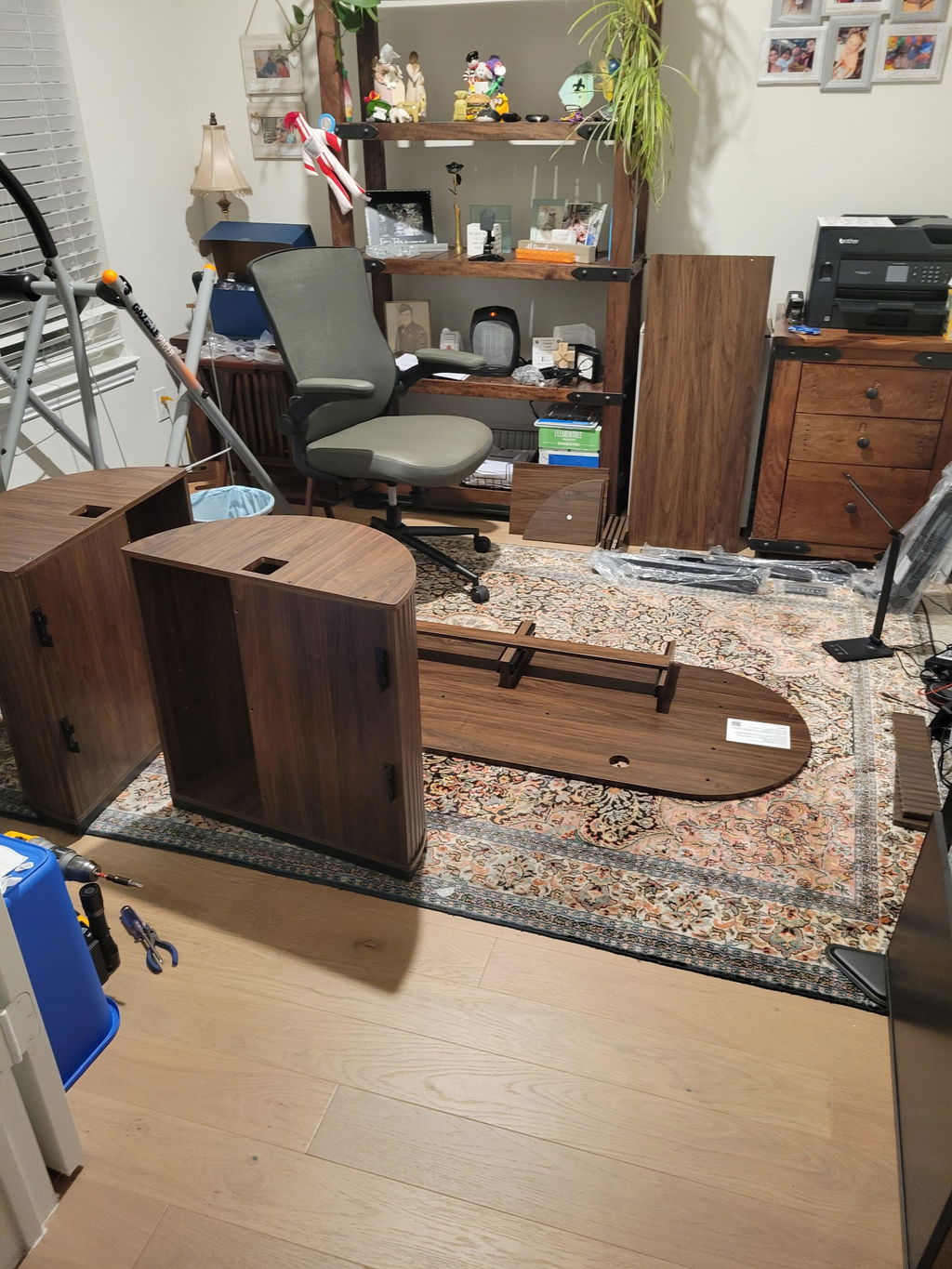
To turn theory into practice, start by placing the desk in the primary zone of your room, ensuring a clear line of sight to any views or natural light sources. Position the corner bookshelf so that it forms a natural extension of the desk’s edge, creating a defined boundary between work and storage. Install the charging printer cabinet in a location that minimizes cable lengths and maximizes convenience. Finally, experiment with the layout by moving pieces slightly to optimize sightlines, reach distances, and walking paths. Small shifts can dramatically improve daily comfort and productivity.
Here is what matters most when choosing a bundle like this:
Consider the overall footprint, finish consistency, and the practical needs of your workflow. If you print frequently, ensure the cabinet location supports easy access to paper and spare ink. If you collaborate often, arrange your monitors to keep your secondary screen within comfortable reach without requiring you to twist or stretch. By thinking through these details before you move a single box, you set yourself up for a workspace that remains inviting and efficient for years to come.
Maintenance, durability, and care
Keep the finish looking rich by wiping surfaces with a soft cloth and avoiding harsh cleaners that can degrade protective coatings. Use coasters and desk mats to prevent staining from beverages. Periodically check hardware like chair bolts, desk legs, and cabinet drawer slides to ensure stable performance. If you own pets or children, consider protective pads or storage solutions that keep small items out of reach. A little routine care preserves both aesthetics and function, extending the life of your workspace investments.
Conclusion and next steps
investing in a cohesive home office setup, such as the 70" Desk · Straight + 71" Corner Bookshelf + Charging Printer Cabinet in dark walnut, can transform how you work—from a cluttered corner to a focused, organized workspace. By planning space, optimizing layout, and attending to cable management and finish consistency, you can create a versatile environment that supports productivity and well-being. Use the guidance above to tailor the bundle to your room size, lighting, and personal style, and you’ll reap the benefits of a well-designed, efficient home office.


Share:
How to Choose an L-Shaped Standing Desk for a Corner Workspace: A Practical Guide Featuring the 67" Premium Azure Standing Desk
How to Build an Ergonomic Dual-Monitor Office With a Standing Desk and Footrest