



Why a Thoughtful Desk Setup Matters This Semester
When juggling classes, assignments, and study groups, your environment can either drain or boost your energy. An ergonomic, organized desk setup reduces fatigue, helps maintain focus, and supports healthier posture during long study sessions. This guide walks through selecting and arranging key components to create a space that adapts to your goals, whether you’re cramming for exams or drafting a term paper.
Core Components of an Effective Desk Setup
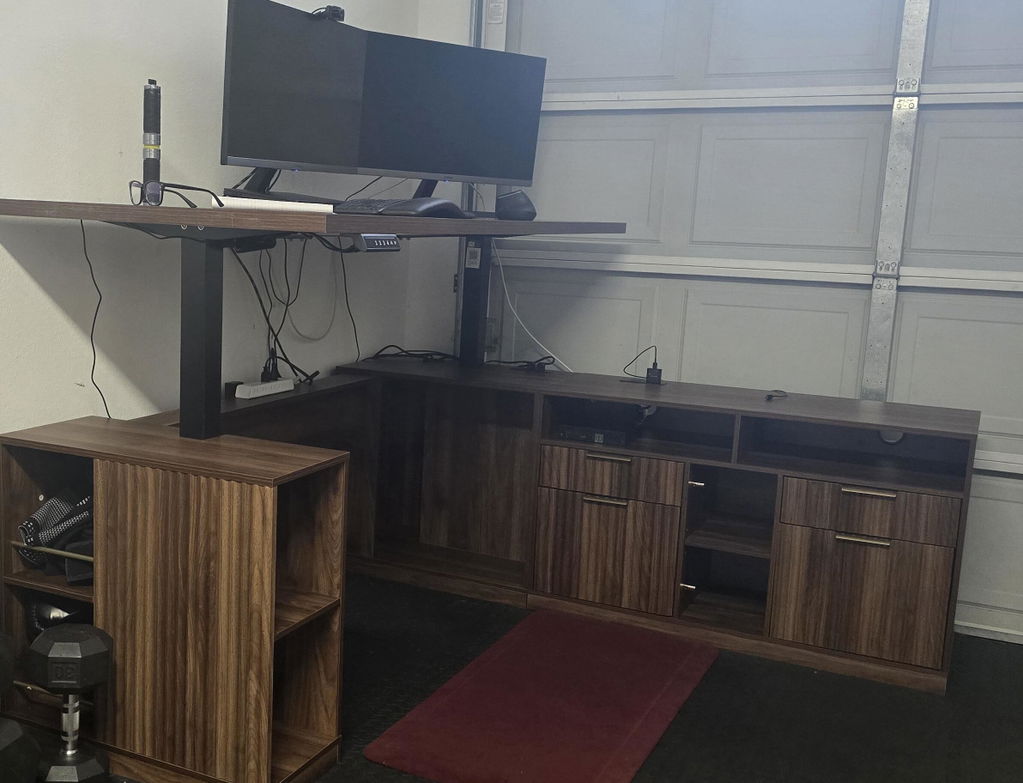
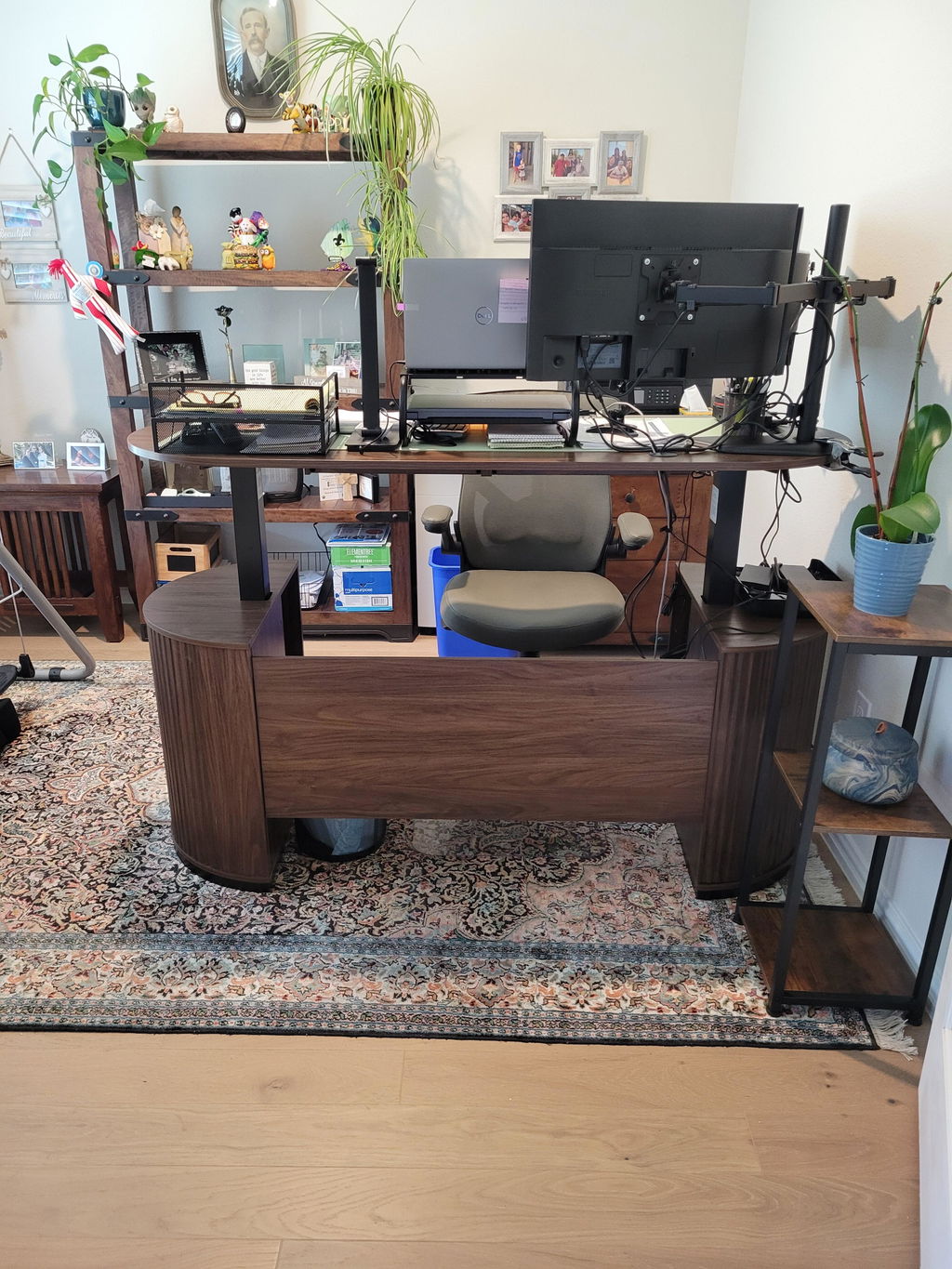
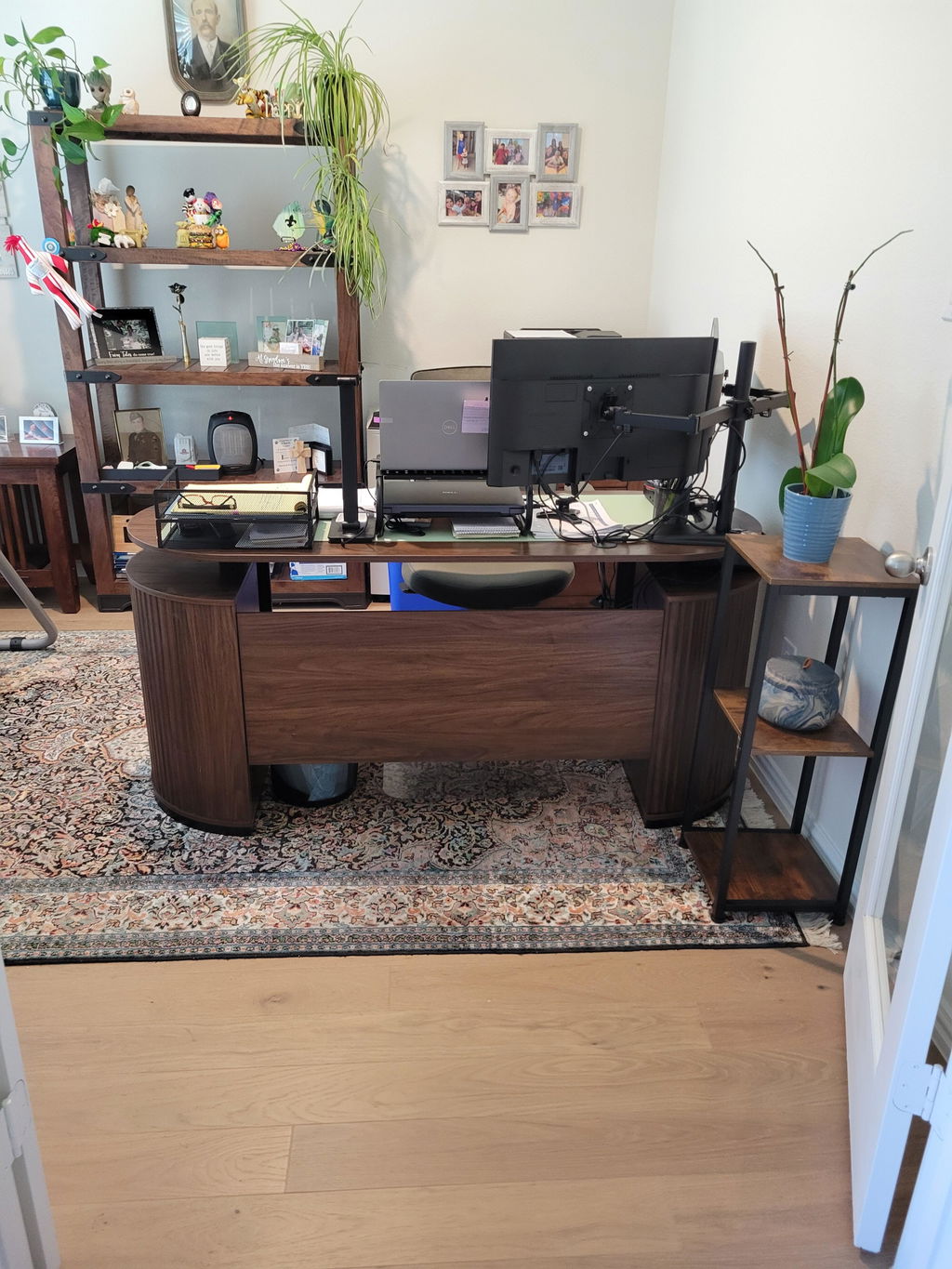
Standing Desk: Healthy Posture and Flexible Heights
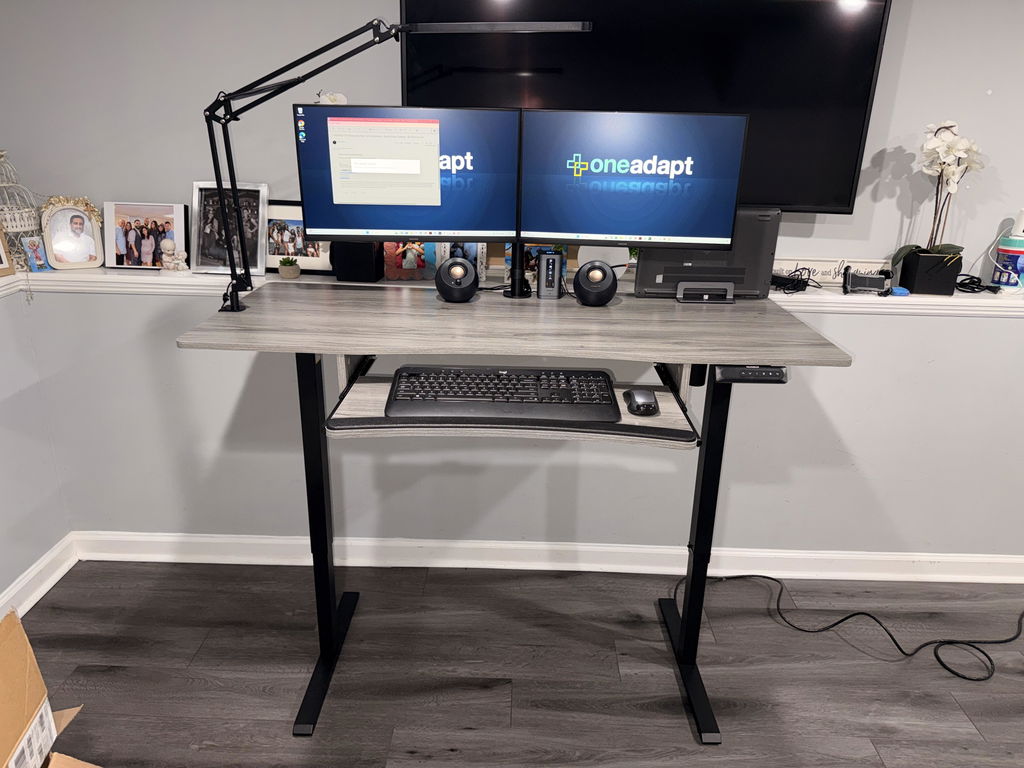
The centerpiece is an adjustable standing desk that lets you switch between sitting and standing throughout the day.
A height range from roughly 28.35 inches to 46.46 inches accommodates a wide range of body types. Four preset height buttons make it easy to save your favorite positions and quickly transition to them as you move through different tasks—reading, writing, or video calls. Ergonomic usability isn’t just about height; it’s about creating micro-adjustments that prevent stiffness and promote circulation.
Dual Monitor Mounts: Stability for Focused Work
For students and professionals who rely on multiple screens, a sturdy dual monitor mount expands your workspace without crowding the desk.
The upgraded base and arms provide stability for two monitors in the 13"–40" size range, with a combined weight up to about 26.4 pounds. Compatibility with VESA 75x75mm and 100x100mm makes it easy to pair with a wide variety of displays. A solid mount keeps screens at an optimal distance and angle, reducing neck strain during long research sessions or coding sprints.
Ergonomic Chair and Tailbone Support
Chair design is central to comfort during long study hours.
An ergonomic chair with adjustable headrest, reclining backrest, and customizable arm and seat height enables you to tailor support to your body. In addition, a tailbone-focused chair cushion offers elevated support and a wrap-around feel that helps maintain proper alignment. When you combine a supportive chair with a well-positioned desk and monitor setup, you create a more natural posture that can improve alertness and reduce lower back pain.
Under-Desk Accessories: Space-Saving Helpers
Under-desk accessories like a compact footrest and a keyboard tray can further optimize ergonomic alignment. A height-adjustable footrest with multiple height settings allows you to find a comfortable angle for feet and legs, while a shallow, stable keyboard tray keeps the keyboard and mouse within easy reach, reducing shoulder tension. Together, these accessories help you maximize desk space and create a cleaner, more focused study zone.
Monitor Stand Riser and Printer Stand: Organization and Room to Grow
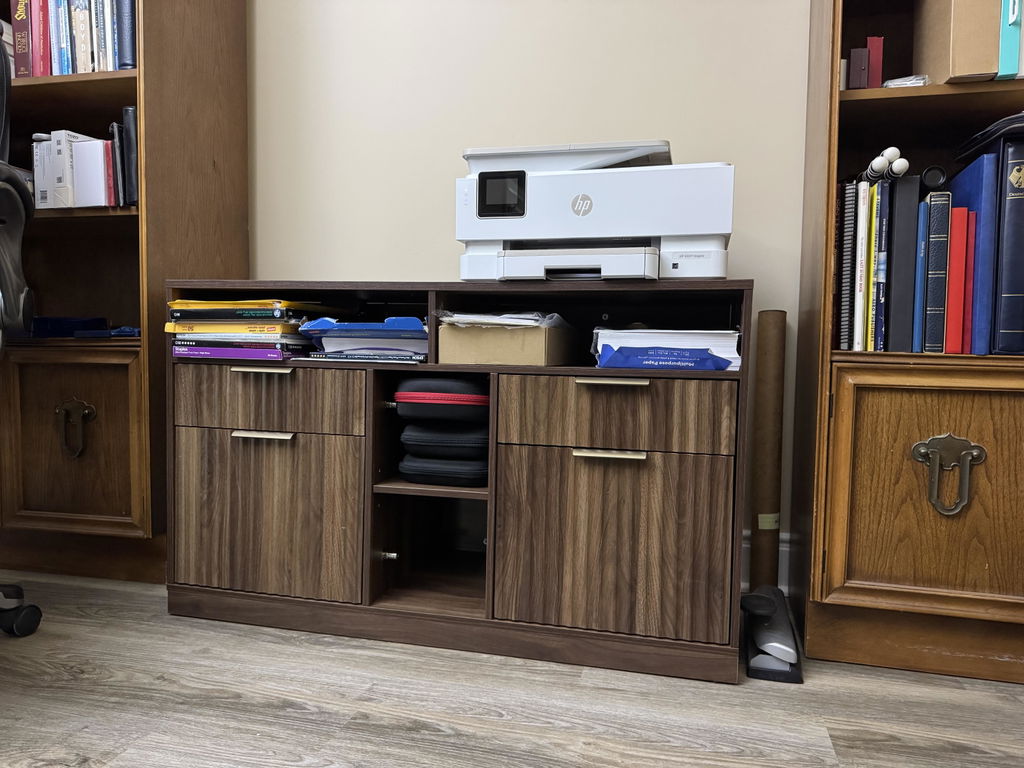
A wide monitor stand riser creates a stable, elevated platform for your displays and can also give you additional storage space underneath for documents, a small notebook, or manuals. A two-tier printer stand with storage helps keep printers and related supplies out of the main desk area, freeing up desktop surface for books, notes, and devices. When designed thoughtfully, these platforms contribute to a clean, distraction-free zone that can speed up study workflows.
How to Choose the Right Setup for Your Space
- Measure your available desk depth and room for movement. Depth determines how far monitors can sit from your eyes and how much keyboard and mouse space you need.
- Consider your typical tasks. If you spend more time coding or designing, two screens and a stable mounting system may be worth prioritizing. If you do more reading or writing, a comfortable chair and accessible desk height are essential.
- Plan for cables. A tidy cable management strategy reduces clutter and makes it easier to switch between tasks without pulling or tripping wires.
- Set a budget and prioritize high-impact components. A versatile standing desk, a sturdy monitor mount, and an ergonomic chair typically deliver the biggest payoffs in comfort and productivity.
Implementation Checklist: Translating Theory into Practice
- Identify a primary workflow: number of screens, typical tasks, and mobility needs for movement between standing and sitting.
- Choose a height-adjustable surface that supports your posture and work style, ensuring it can accommodate both keyboards and large displays.
- Pair a stable dual monitor mount with monitors within a comfortable line of sight to reduce neck strain.
- Invest in an ergonomic chair with adjustable headrest, backrest tilt, armrest height, and seat depth to support long study sessions.
- Incorporate under-desk accessories that improve comfort without taking up valuable surface area.
Daily Routine: Making the Most of Your Desk Setup
Start with a brief morning routine that sets up your space for focus. Adjust your desk height to a comfortable working position, align your monitors so the top of the screens is at or just below eye level, and ensure your chair supports an upright or slightly reclined posture. Schedule short stand-and-stretch breaks every 30 to 60 minutes to promote circulation and keep energy levels steady. Use this time to tidy cables, organize papers, and prepare your materials for the next block of study or class.
Care and Maintenance: Sustaining Your Workspace
Regular care keeps your setup performing at its best. Dust monitor surfaces, wipe down arms and feet of the chair, and inspect mounting hardware for looseness. Periodically check cable slack, adjust cable ties, and re-tidy cords to prevent tangling. If you upgrade or reconfigure components, revisit your height presets and monitor angles to ensure continued alignment with your posture and eye level. A clean, orderly desk also reduces cognitive load and supports a calmer, more productive study environment.
Conclusion: Start Small, Build Big
Begin with a single, proven improvement—like a height-adjustable surface or a robust monitor mount—and gradually layer in additional elements as you settle into your semester rhythm. By prioritizing ergonomics, space efficiency, and thoughtful organization, you set yourself up for consistent focus, reduced fatigue, and more productive study sessions. The setup described here is designed to adapt to a range of spaces and disciplines, helping you ace the semester with confidence and comfort.


Share:
How to Choose a Height-Adjustable Desk That Supports Your Workflow: A Practical Guide Featuring the 59" Premium Henge Standing Desk
Designing an Ergonomic Home Office with an L-Shaped Standing Desk + Stratos: A Practical Guide