



Designing an Ergonomic Home Office with an L-Shaped Standing Desk + Stratos: A Practical Guide
As more professionals swap the commuting routine for focused work at home, the shape of your workspace matters just as much as the tasks you perform. An L-shaped standing desk bundled with Stratos accessories offers a way to maximize corner space, support multiple monitors, and raise or lower your workstation to suit posture throughout the day. This guide walks through the considerations that help you choose the right bundle and set it up for comfort, efficiency, and long-term health.
Why an L-shaped desk makes sense for modern workflows
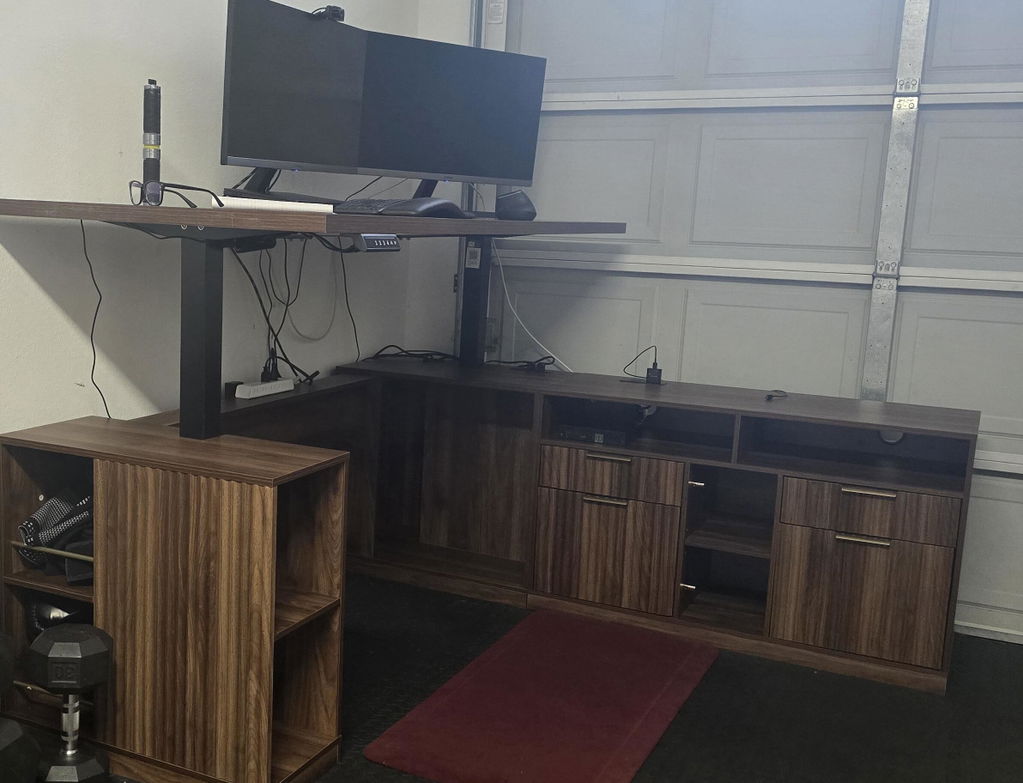
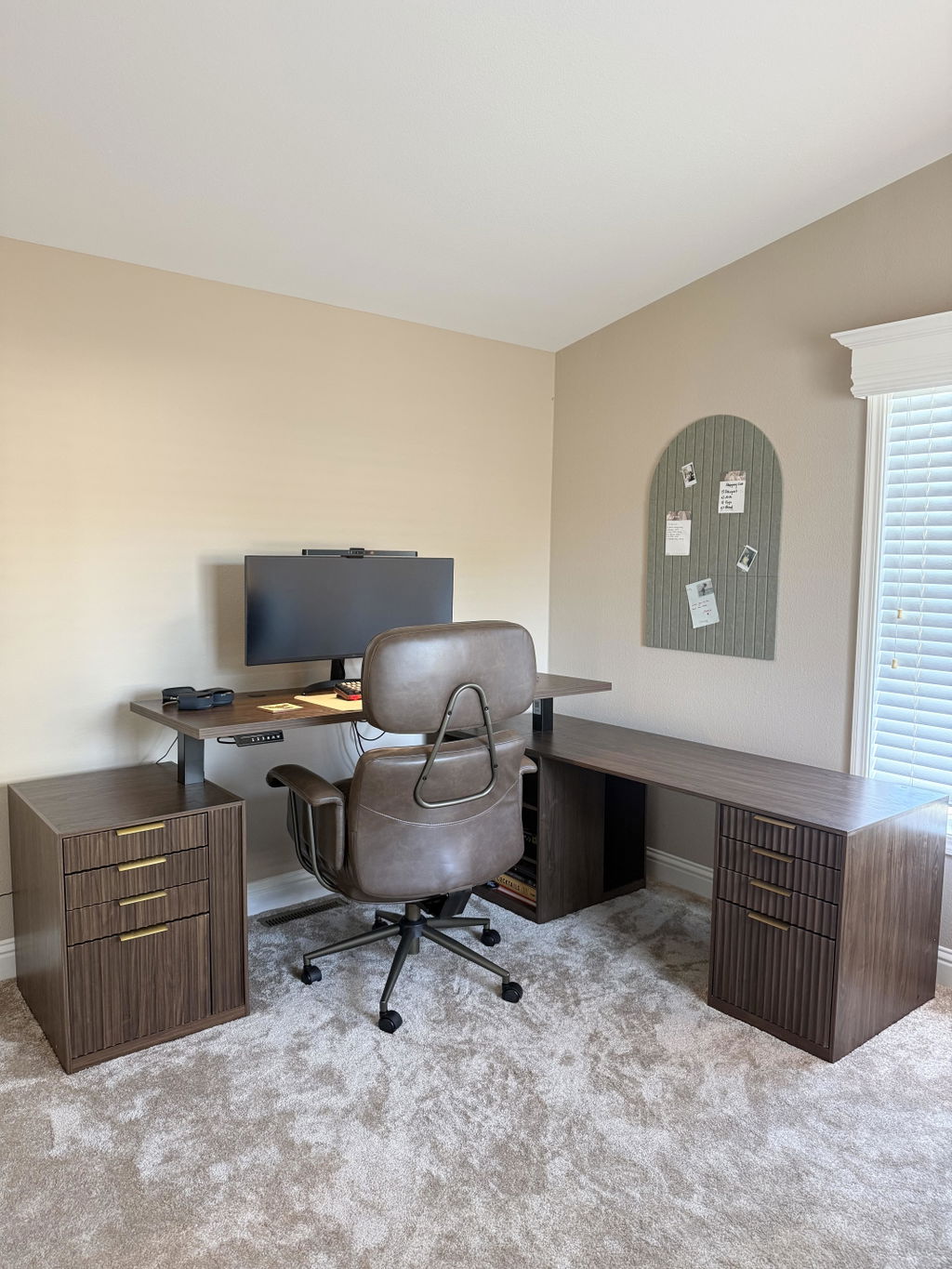
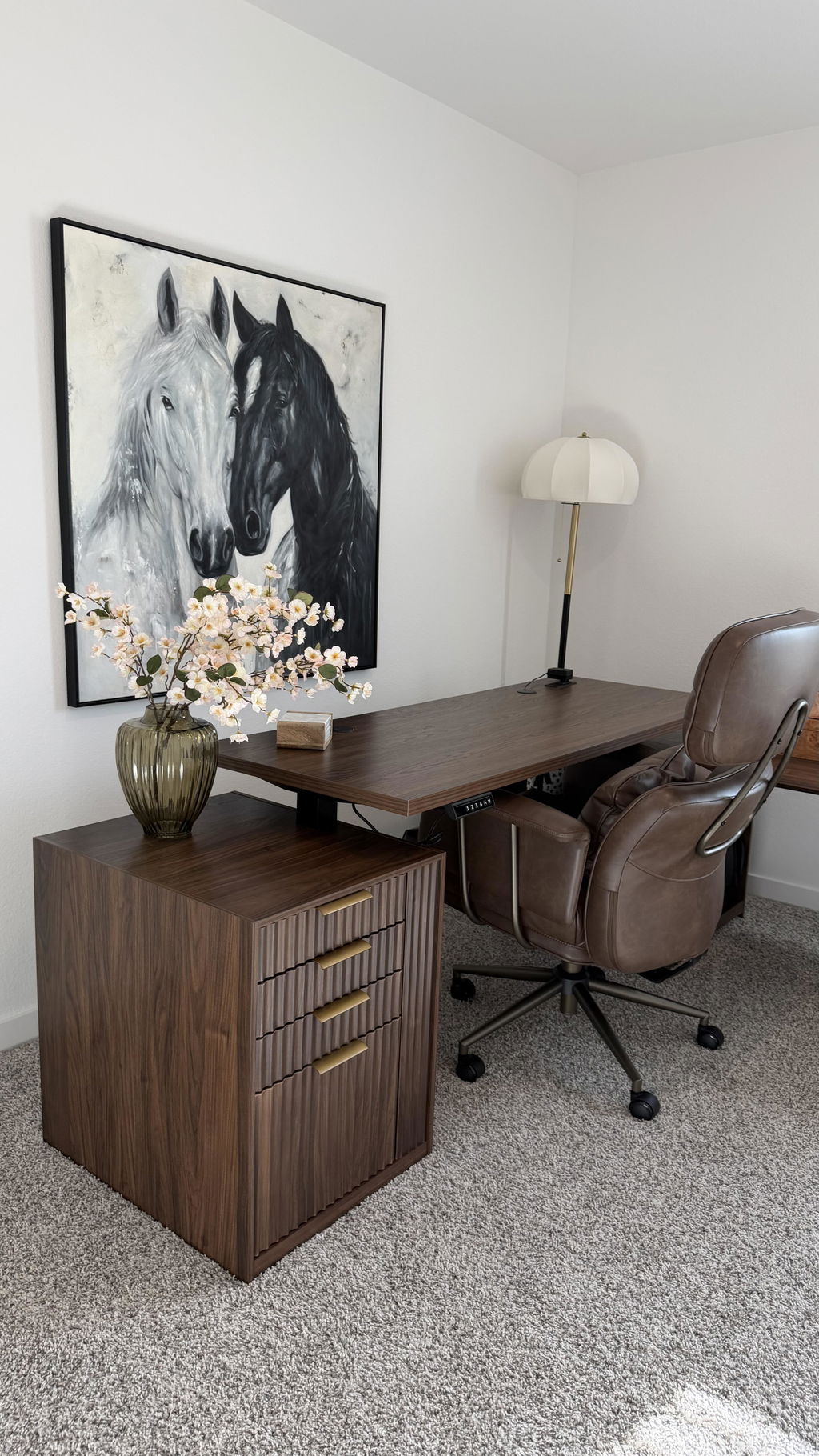
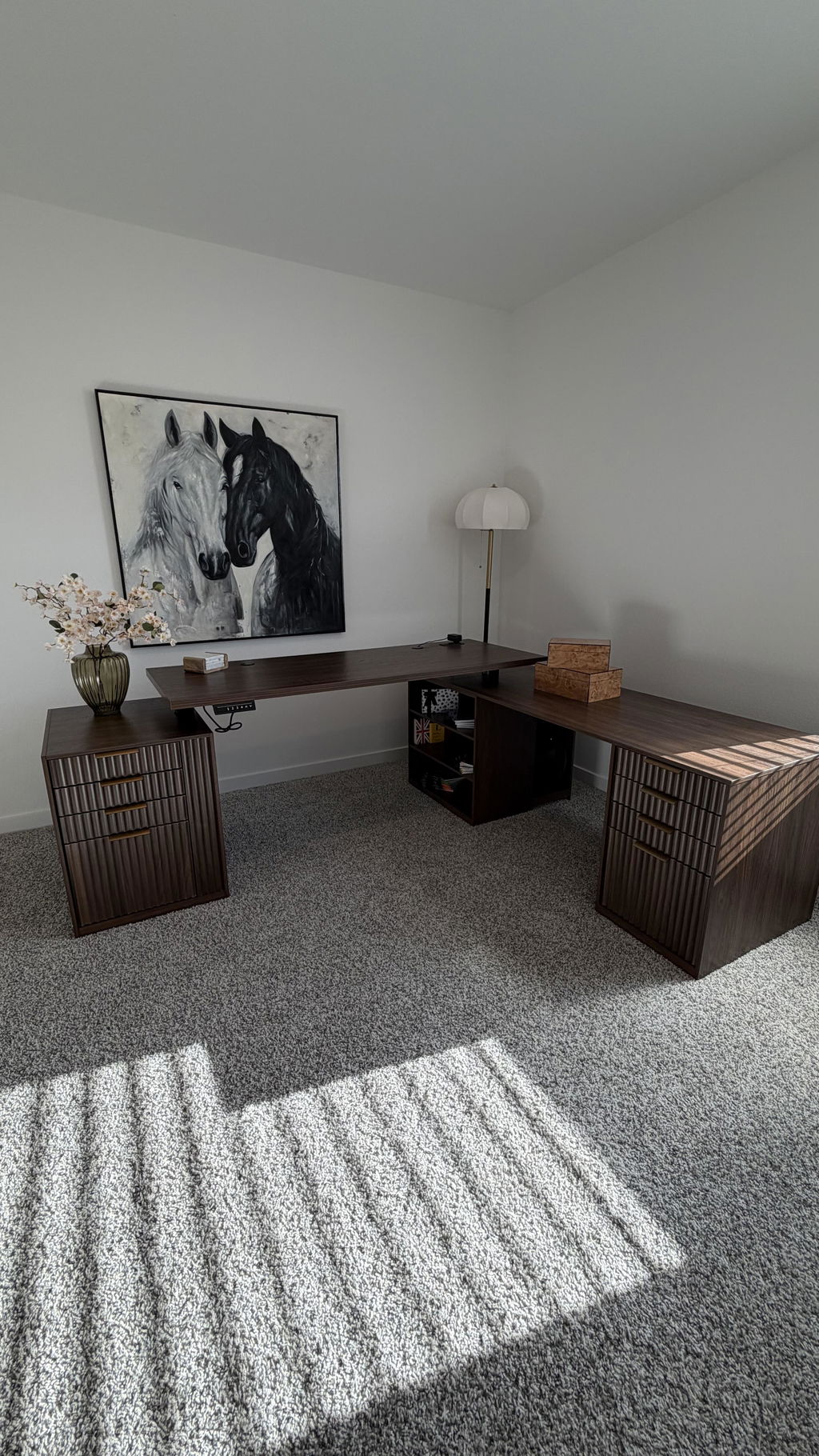
An L-shaped desk brings two distinct work surfaces into one cohesive footprint. The longer wing can host a primary keyboard and mouse, notebooks, and often a laptop or docking station, while the shorter wing provides space for research materials, reference books, or a secondary monitor. This configuration is especially helpful for people who juggle multiple tasks—design work, data entry, video meetings, or programming—because it reduces the need to twist and reach far across your desk. When paired with a dependable Stratos monitor arm system and a robust laptop stand, you gain flexibility without sacrificing stability.
What matters when choosing an L-shaped desk bundle
Choosing the right bundle isn’t only about finding an attractive piece of furniture. It’s about ensuring that the desk’s dimensions, the tubing and frame construction, the height range, and the accessory ecosystem align with how you work. Here are the key factors to consider:
1) Desk footprint and work surface
Measure your room, paying attention to corners and door clearance. An L-shaped desk should fit into a corner without blocking pathways or windows. Check the primary work surface width and depth. If you frequently spread out documents, consider a deeper surface on the long wing. The bundle’s overall footprint should leave room for a chair, a footrest, and any peripheral devices you use daily. A well-designed L-shaped unit will feel expansive yet contained, helping you avoid clutter that interrupts focus.
2) Adjustable height range and ergonomics
The ability to switch between seated and standing positions is a core benefit, but the exact height range matters. Look for a desk that accommodates your height with a comfortable elbow angle (roughly 90 degrees when seated) and a monitor line that sits at or slightly below eye level when standing. If you share the desk with a Stratos or other monitor arms, verify that the frame can handle dynamic loads, tilt, and rotation without tipping or creaking. A stable, smooth-height adjustment mechanism reduces friction during long work sessions and helps prevent fatigue on the shoulders and neck.
3) Build quality and stability
Stability becomes more important with a larger, longer surface and movable components. A sturdy base, a wide footprint, and reinforced corners minimize wobble when you adjust height or reach for a keyboard. If you anticipate cutting through cables or moving the desk occasionally, consider a model with integrated cable management channels and grommets. These features reduce the risk of snags and keep cables neatly organized as you shift between tasks.
4) Cable management and modularity
Running power, USB-C hubs, and docking stations beneath the desk creates a cleaner surface and better airflow for your gear. Look for channels, clips, and underside trays that help route cables away from feet and chair wheels. A modular design—where components can be rearranged or upgraded—adds longevity. If your setup includes a laptop stand, monitor arms like Stratos, and docking hardware, make sure there’s enough space to route cables without tangling.
5) Compatibility with accessories (Stratos, laptop stands, mounts)
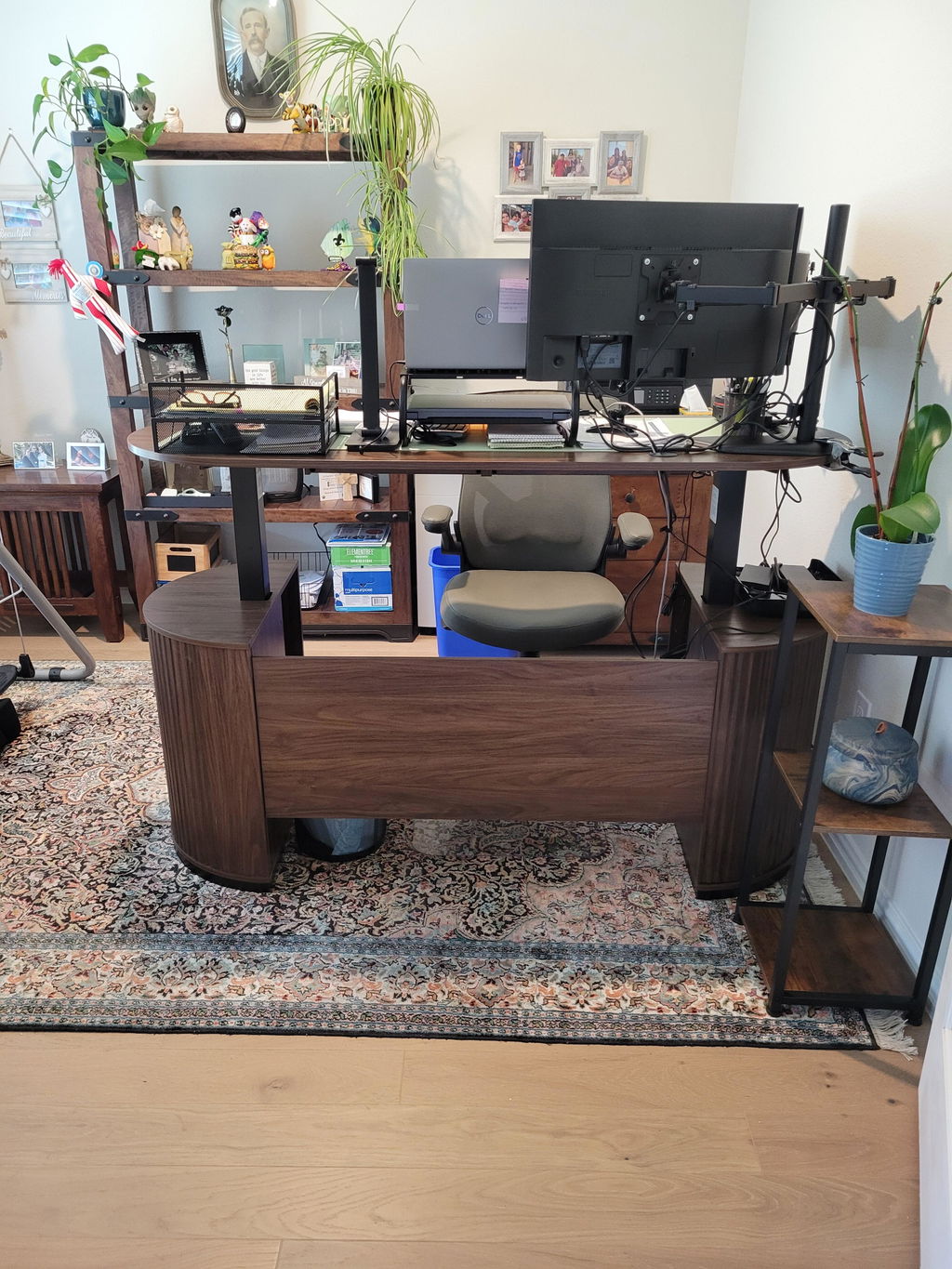
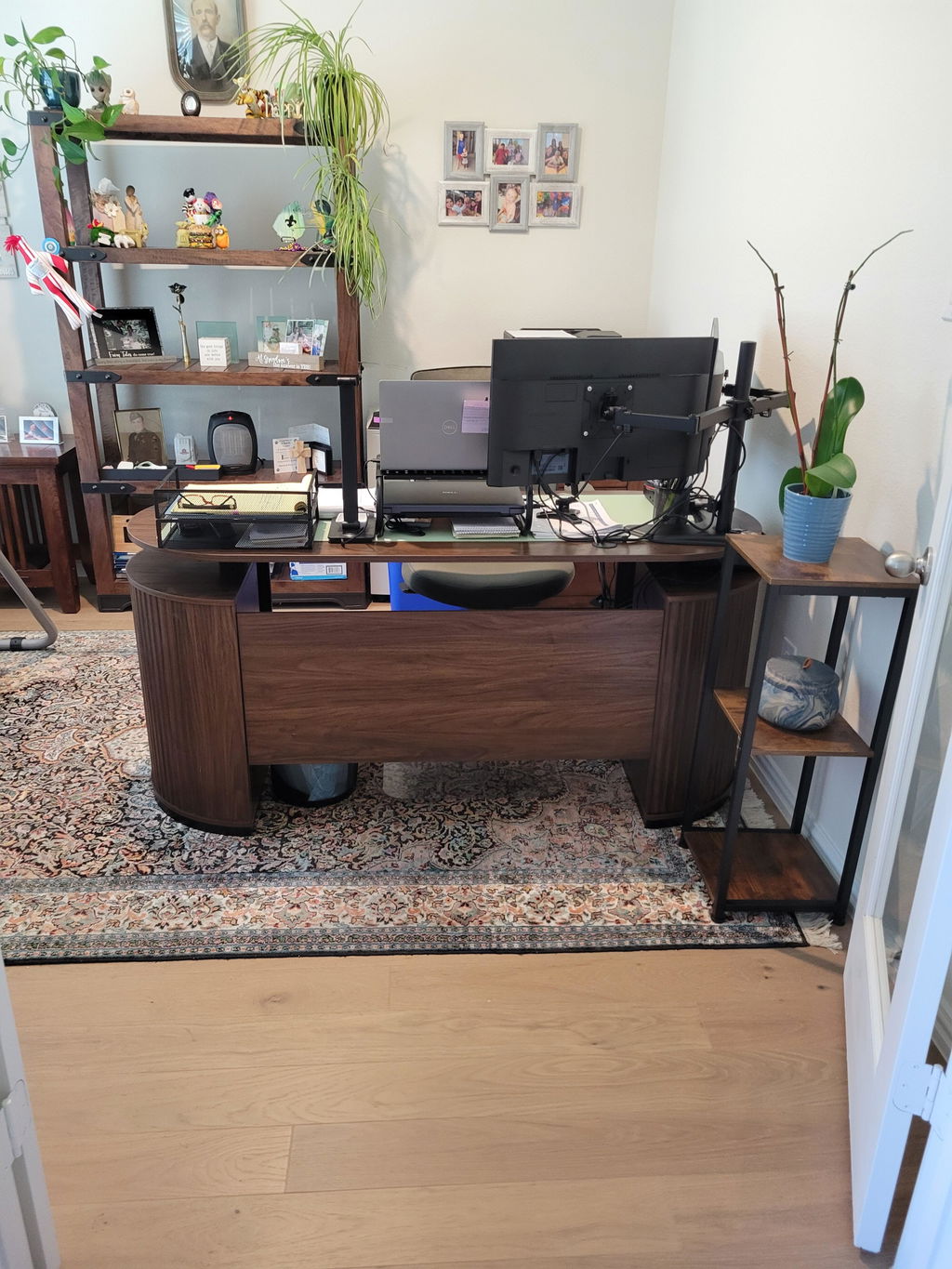
The value of a bundle is amplified when components work in harmony. The Stratos monitor arms offer flexible positioning and tilt options for multi-monitor workloads, while a dedicated laptop stand keeps your laptop at the optimal height and distance. Check load ratings, mounting options, and the compatibility matrix with your chosen desk. The goal is a cohesive rig where monitors, laptop, and any peripherals feel integrated rather than forced onto a makeshift arrangement.
6) Weight capacity, assembly, and warranty
Heavier desktops, dual monitors, or a laptop plus peripheral devices require a desk with a reliable weight capacity. Look for straightforward assembly instructions, clear hardware lists, and robust warranty terms. A well-documented assembly process reduces the risk of misalignment and wobble after setup. For a long-term investment, prioritize desks with accessible replacement parts and strong customer support.
7) Aesthetics, materials, and finish
While ergonomics are essential, the desk should also suit your space’s style. Consider materials that are durable and easy to maintain, along with edge finishes that minimize snagging on sleeves or cables. A cohesive look with your Stratos setup can contribute to a calmer, more focused work environment.
With these considerations in mind, you can compare options more effectively and avoid choosing a desk that looks good in photos but falls short in daily use.
Here is what matters when evaluating a bundle like an L-shaped desk paired with Stratos accessories.
When you’re ready to move beyond the spec sheet, the next step is to translate criteria into a practical layout for your space. Let’s walk through how to set up an ergonomic workstation that minimizes strain while maximizing productivity.
Setting up an ergonomic hybrid workstation: a step-by-step approach
Begin by establishing your primary work triangle: your primary input (keyboard and mouse), your primary output (monitor or laptop screen),
and your reference documents or reference materials. For an L-shaped desk, the long wing typically becomes the main typing zone, while the shorter wing hosts secondary tasks or reference displays. With the Stratos monitor arms, you can fine-tune monitor height and angle so each screen aligns with your eyes when you’re standing or seated.
1) Position your monitors for dual-view workflows. Place each monitor at roughly arm’s length, with the top of the screen at or just below eye level. If you frequently switch between screens, ensure that both displays are easily accessible without twisting your torso. Stratos arms give you the maneuverability to tilt and rotate as needed.
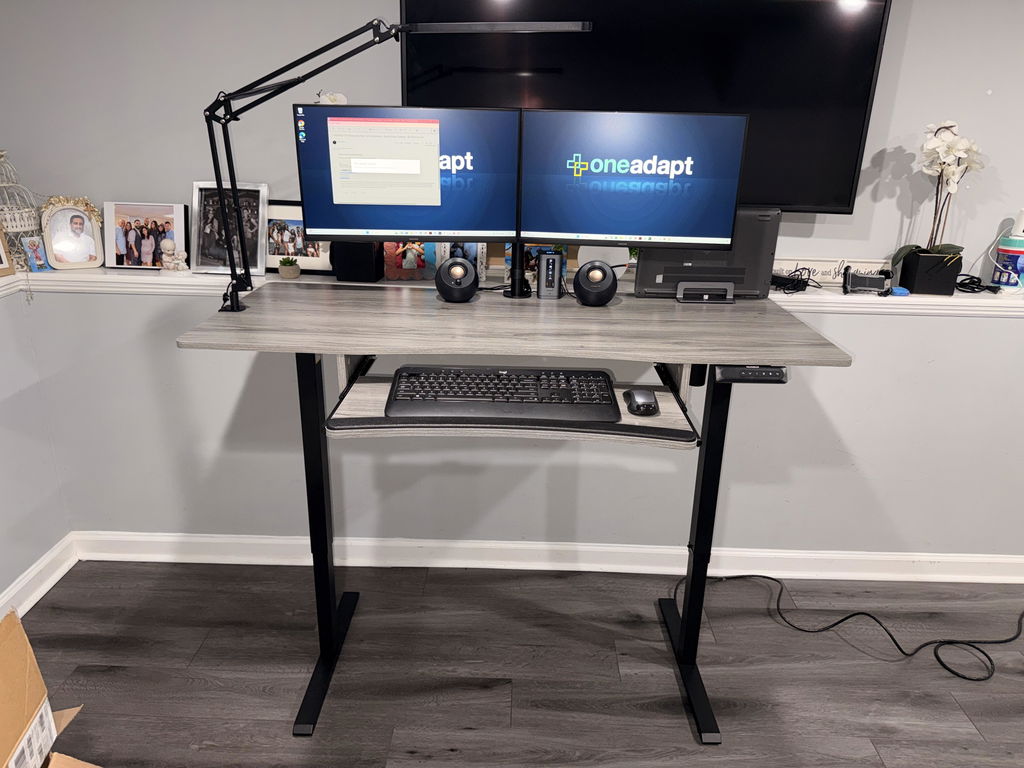
2) Align your keyboard and mouse to your seated elbow height. When you stand, the keyboard height should still allow your wrists to stay neutral and your shoulders relaxed. If possible, add a keyboard tray or adjustable surface on the long wing to maintain the proper angle and spacing.
3) Create a cable ecosystem that reduces clutter. Route power cords and data cables through desk channels, then secure them with clips. A clean cable plan prevents tripping hazards and makes it easier to reconfigure the setup if you upgrade components later on.
4) Test your posture with a brief work session. Stand up, sit down, and observe how your arms, neck, and back feel. If you experience strain, adjust monitor height, keyboard position, or desk height slightly. Small changes can yield meaningful relief over time.
Maximizing productivity with a bundled L-shaped desk and Stratos setup
Beyond comfort, the arrangement should encourage focus and efficiency. A few practical practices can help you realize the bundle’s potential:
- Segment tasks by space: use one surface for writing notes or layout planning, and the other for digital work. A defined zoning reduces cognitive load and supports smoother task switching.
- Use visual anchors: place a reference document or project board on the shorter wing so you don’t need to lean or twist excessively when checking materials.
- Schedule micro-breaks: an alternating rhythm of sitting and standing with purposeful stretches improves circulation and reduces fatigue.
- Keep essential tools within arm’s reach: common cables, USB hubs, and a pen cup should be accessible from both seated and standing positions.
The Stratos monitor arms help you maintain screen economy without crowding the desk. Pairing them with a solid laptop stand keeps your primary computing device at the correct height, reducing neck strain during long sessions. The idea is to create a balanced, ergonomic ecosystem where each element supports the others rather than competing for space.
Maintenance, care, and longevity of your workspace
To preserve the integrity of your L-shaped desk and Stratos components, consider these maintenance tips:
- Regularly inspect hardware for looseness and tighten all screws according to manufacturer guidelines.
- Clean surfaces with mild, non-abrasive cleaners to protect finishes and avoid residue that could attract dust.
- Keep monitor arms lubricated (as recommended by the manufacturer) to maintain smooth movement and to prevent stiff joints from forming.
- Periodically re-evaluate your cable management as your setup evolves. A tidy cable system makes future upgrades easier and safer.
Upgrading thoughtfully: add-ons and future-proofing
Even the best bundles may benefit from thoughtful upgrades. You could consider a second monitor arm for additional displays, a more advanced laptop stand with cooling surfaces, or an under-desk drawer for keeping essential documents out of sight. When planning upgrades, ensure that the total load and weight distribution remain within the desk’s design tolerances. The goal is to preserve stability and ergonomics as your workload grows.
Final considerations before purchase
Before you commit, test the reach and the height range in the context of your daily tasks. Obtain measurements of your torso height, leg length, and preferred desk height. A good rule of thumb is to adjust your desk so that your elbows rest at about a 90-degree angle when seated, with your forearms parallel to the desk surface. When you stand, you should still be able to relax your shoulders and lower jaw without tilting your head forward. If the bundle includes a triple monitor setup or additional accessories like a specialized keyboard tray, verify compatibility with your chair, desk height range, and foot support devices.
In summary, an L-shaped standing desk paired with Stratos accessories offers a robust foundation for an ergonomic, space-efficient home office. The design supports a wide range of work styles, from intense data analysis to creative design sprints, while encouraging a healthy posture and a productive workflow.


Share:
Designing an Ergonomic Desk Setup to Ace the Semester: A Student's Guide to Productivity and Comfort
HUANUO Unveils Smart Ergonomic Workspace at IFA 2026